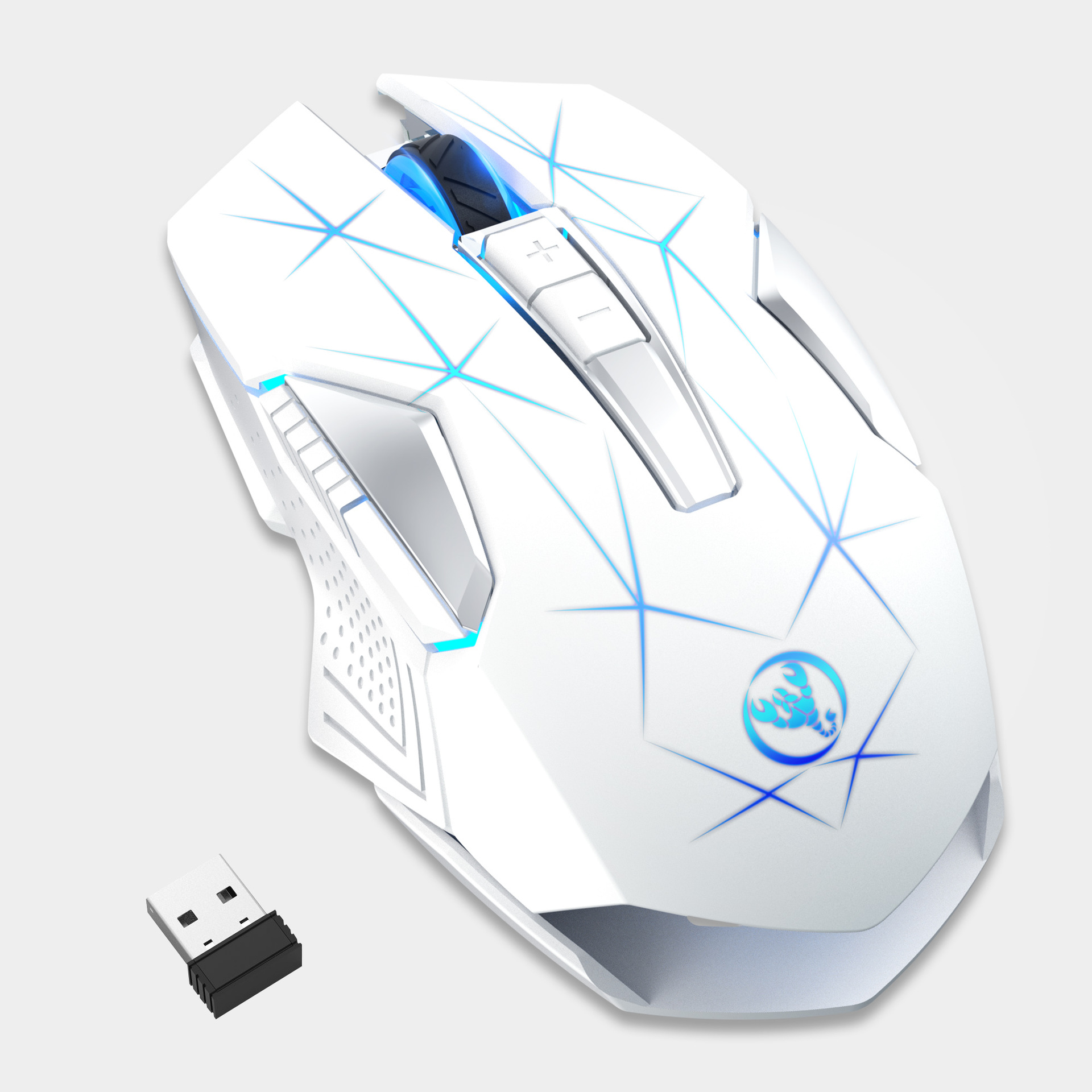
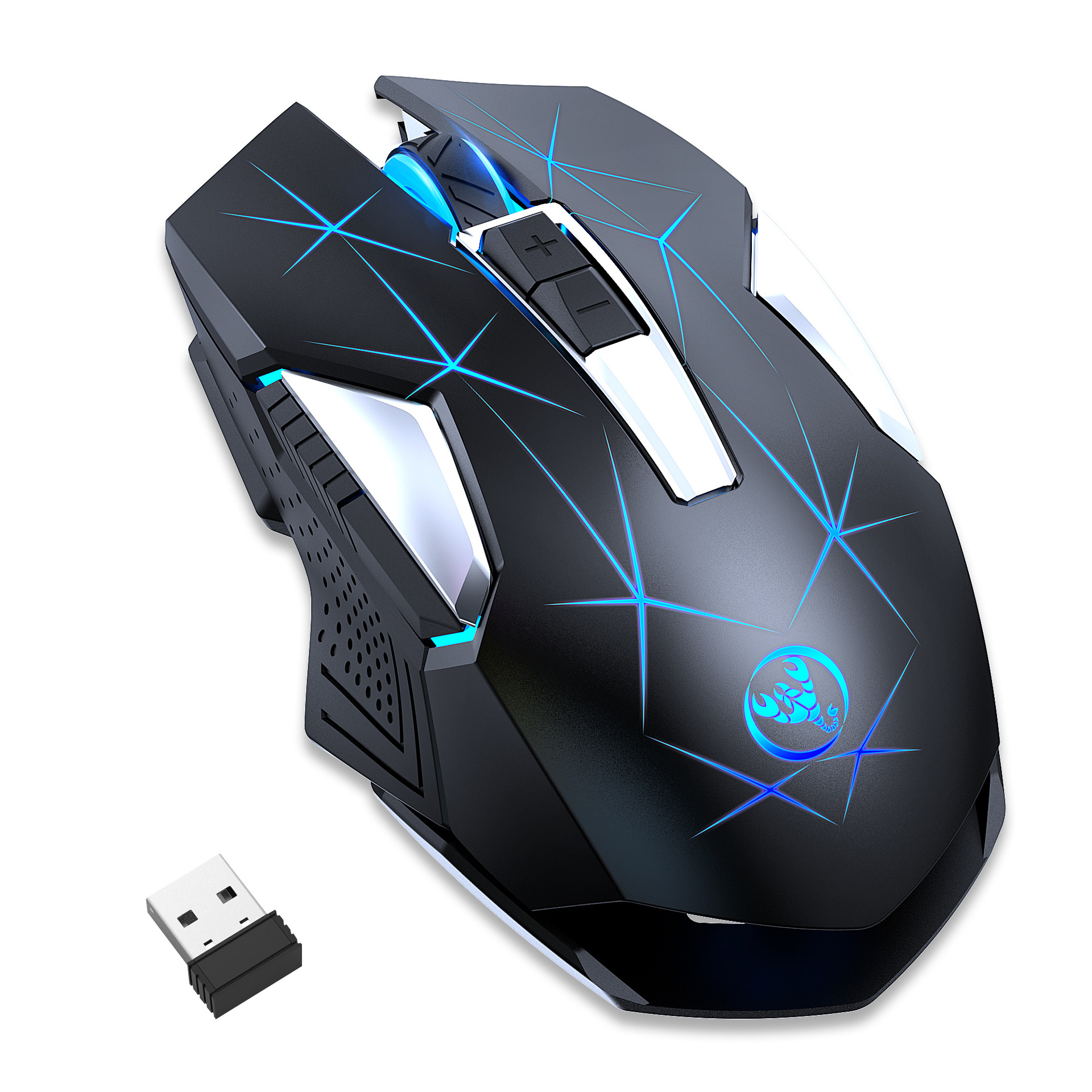
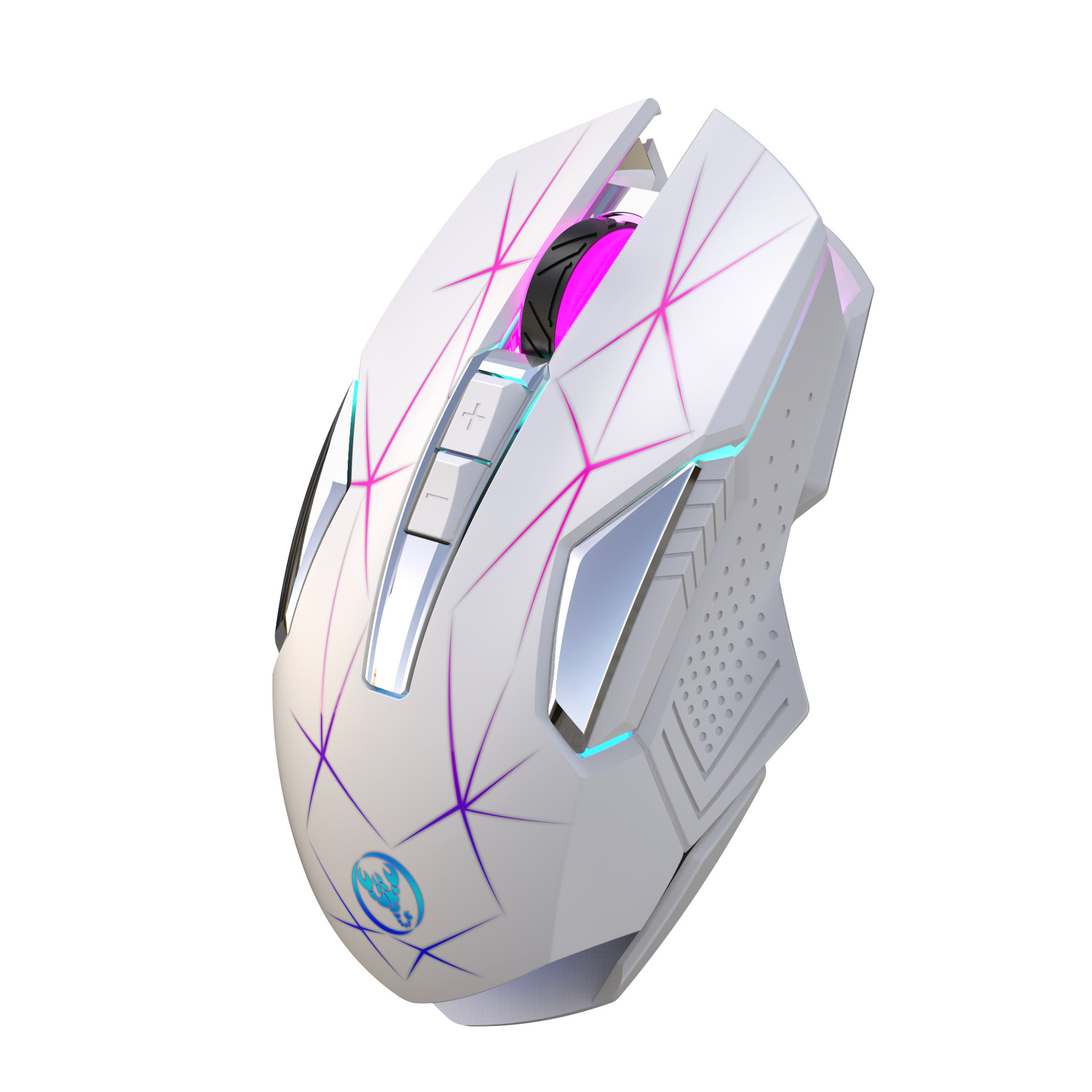
Product Description
Technical Parameters:
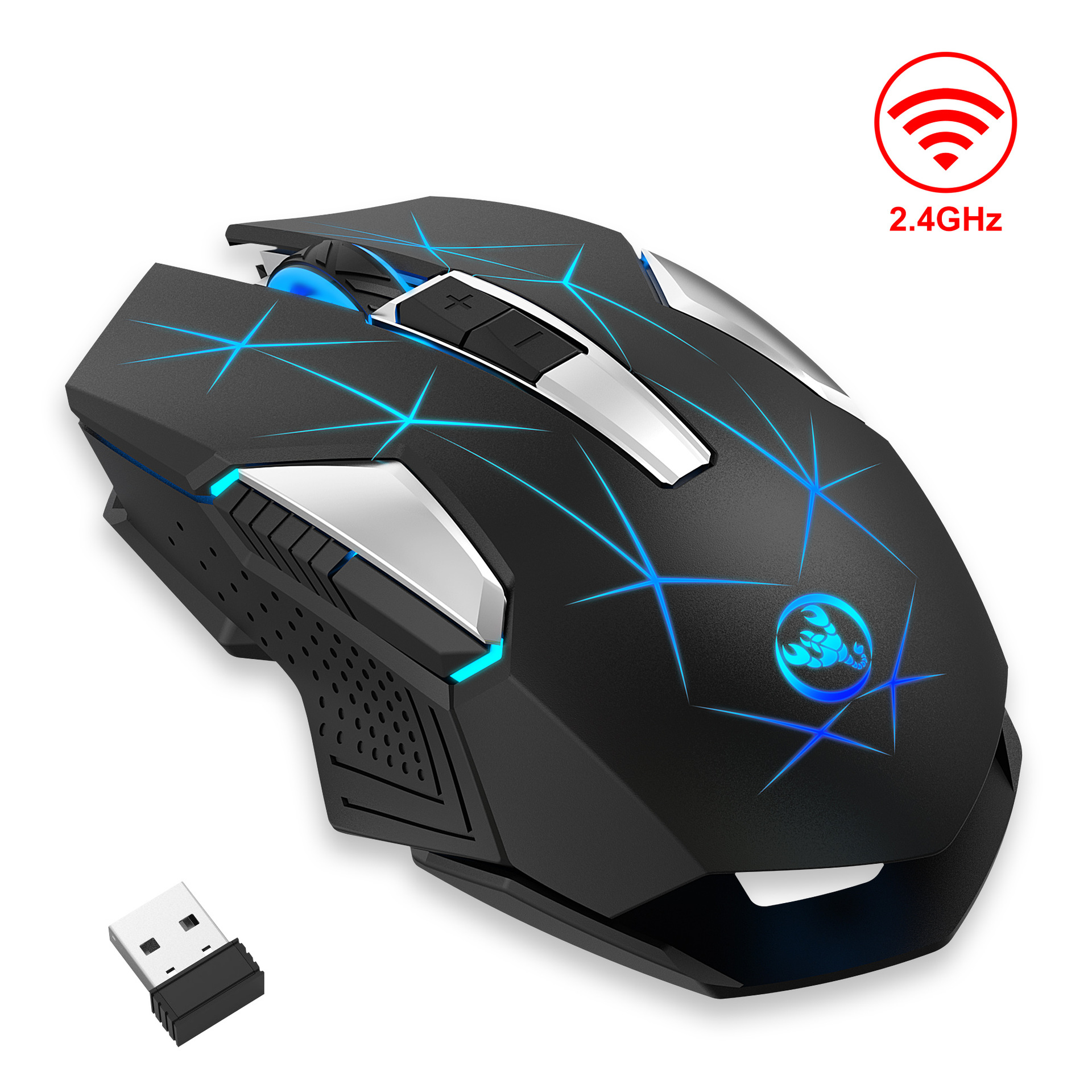
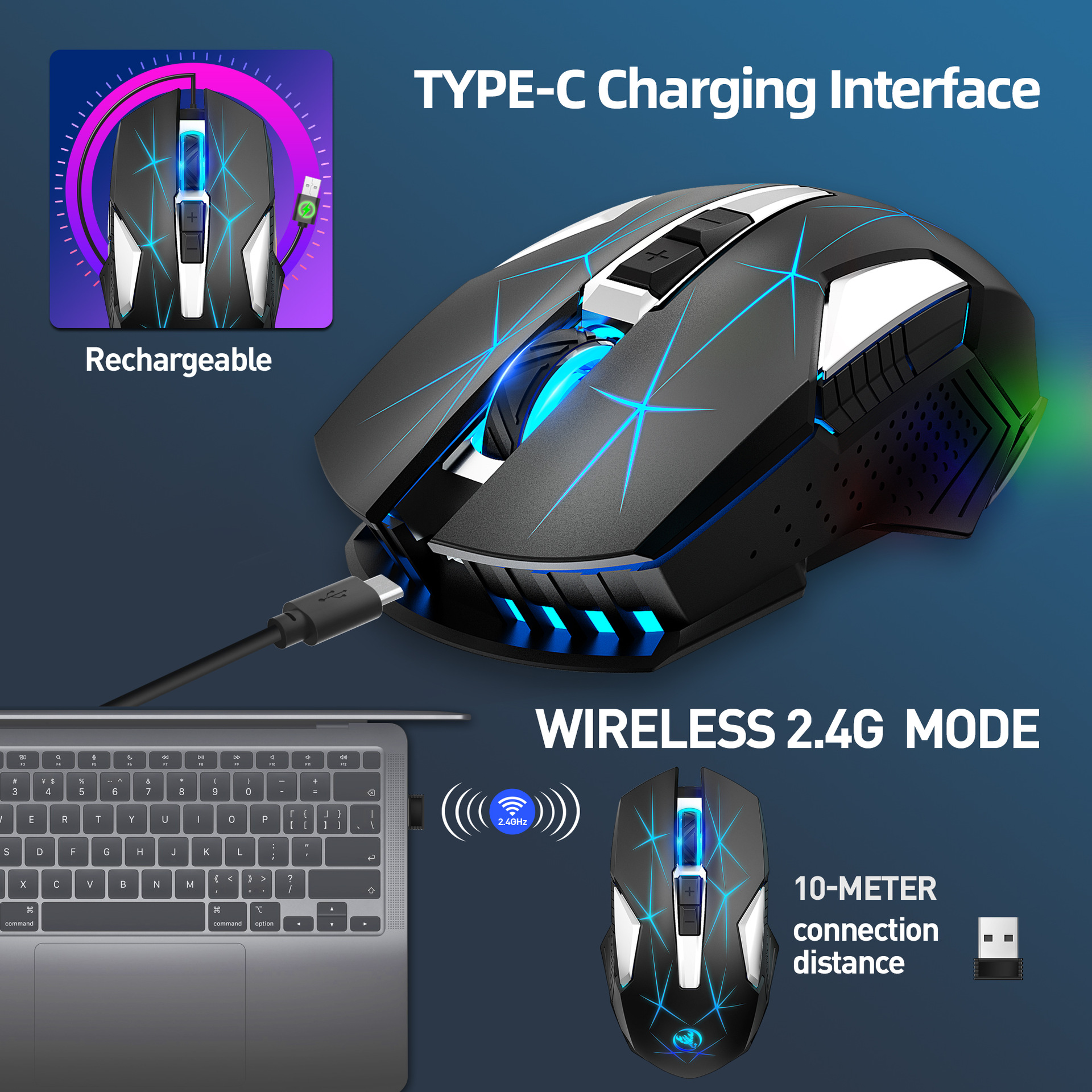
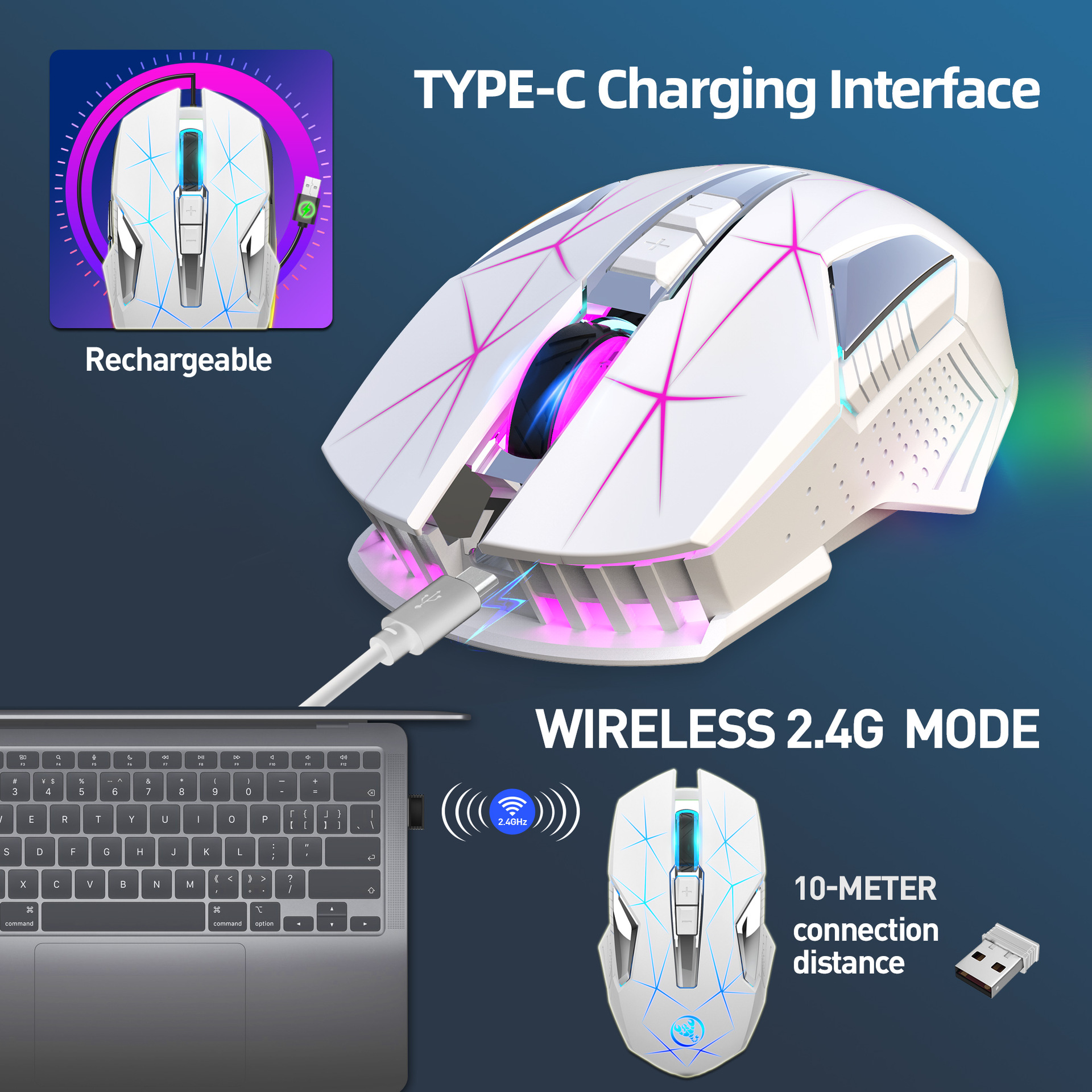
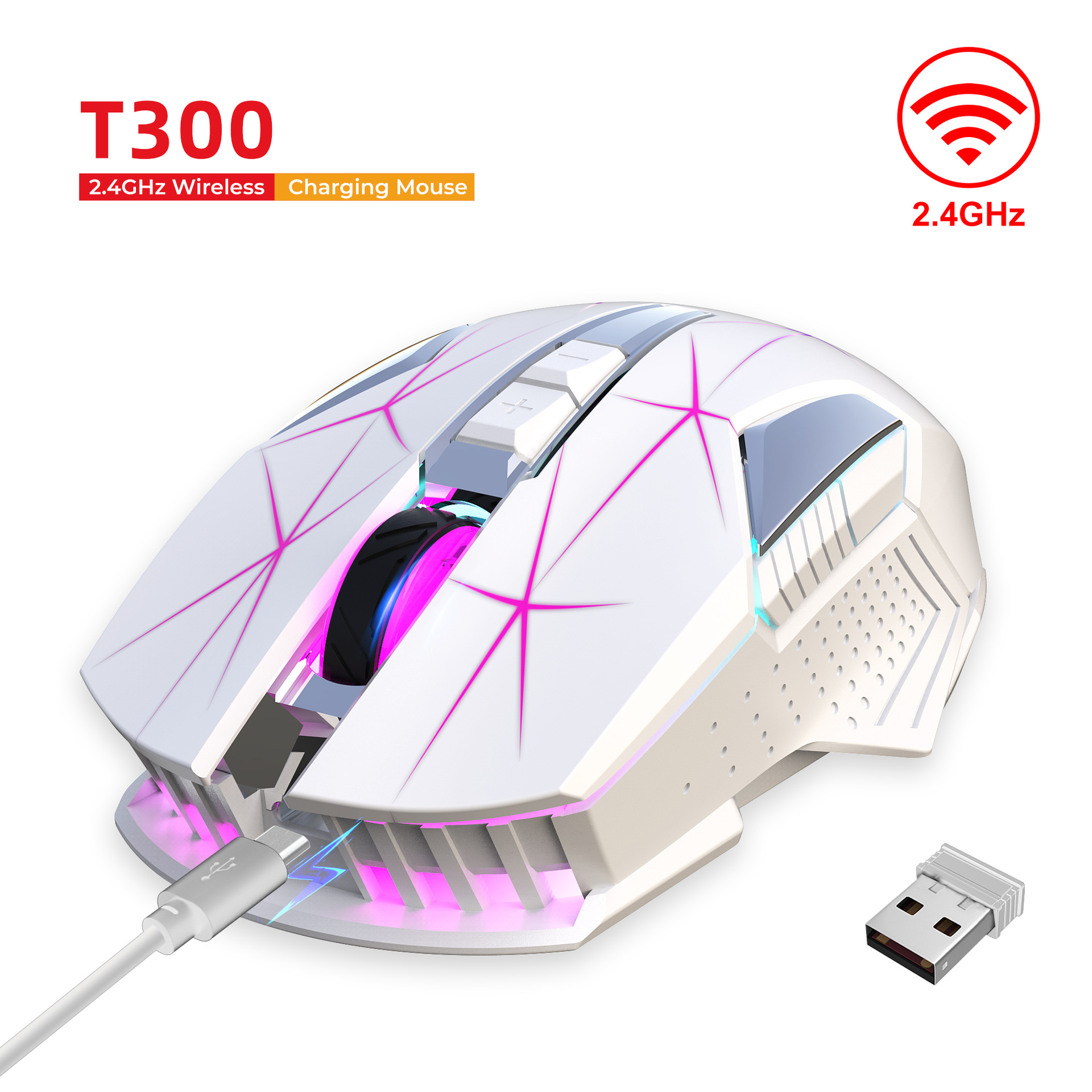
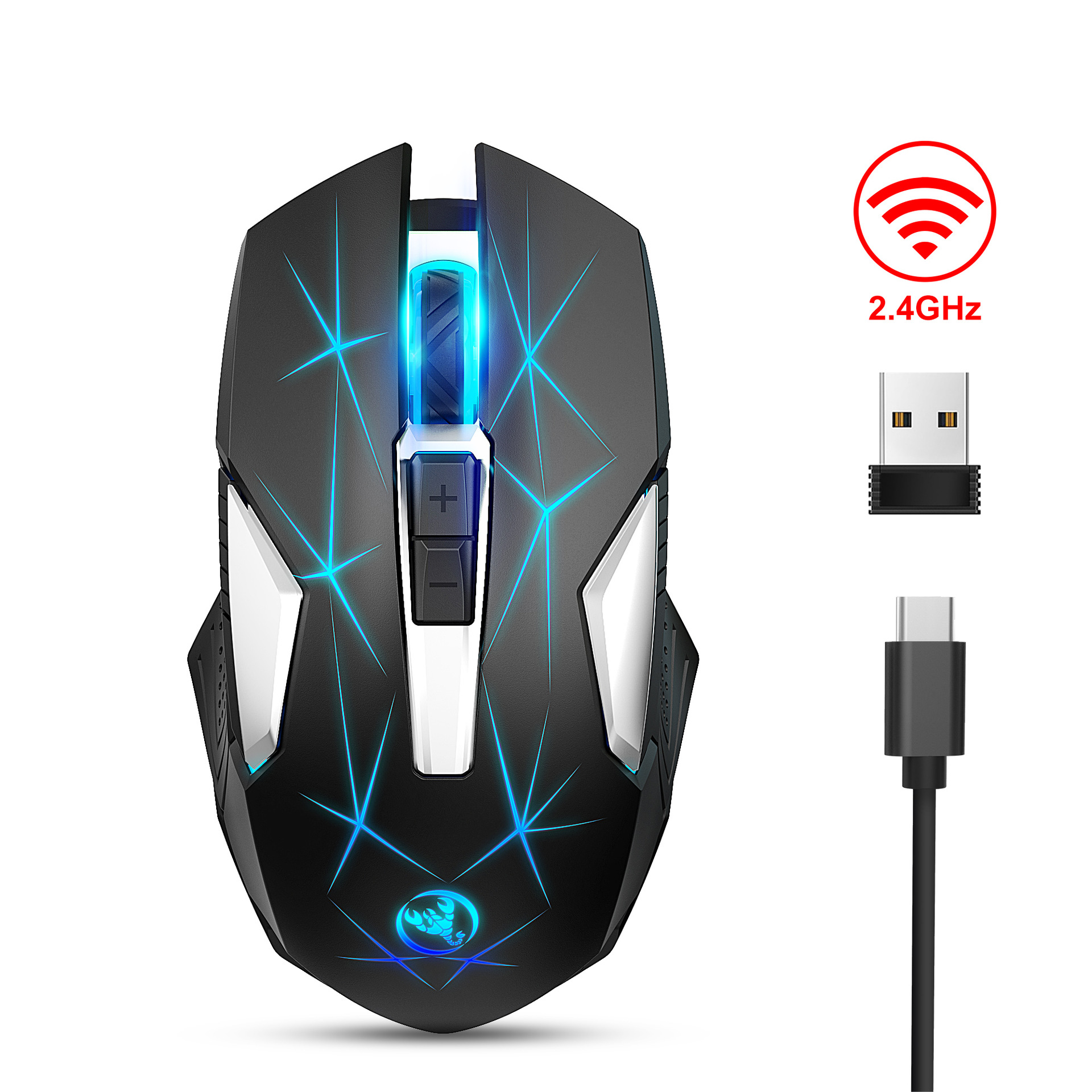
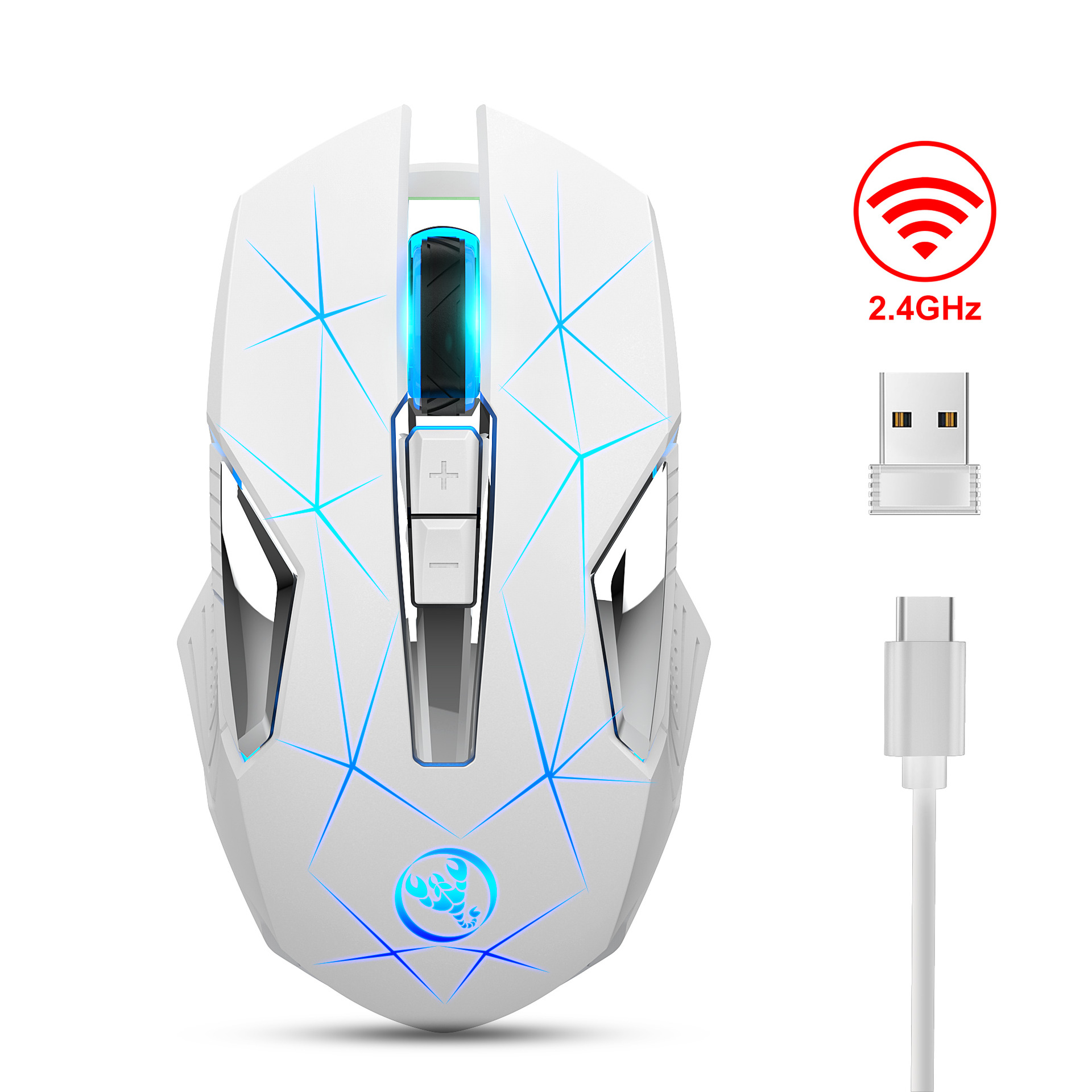
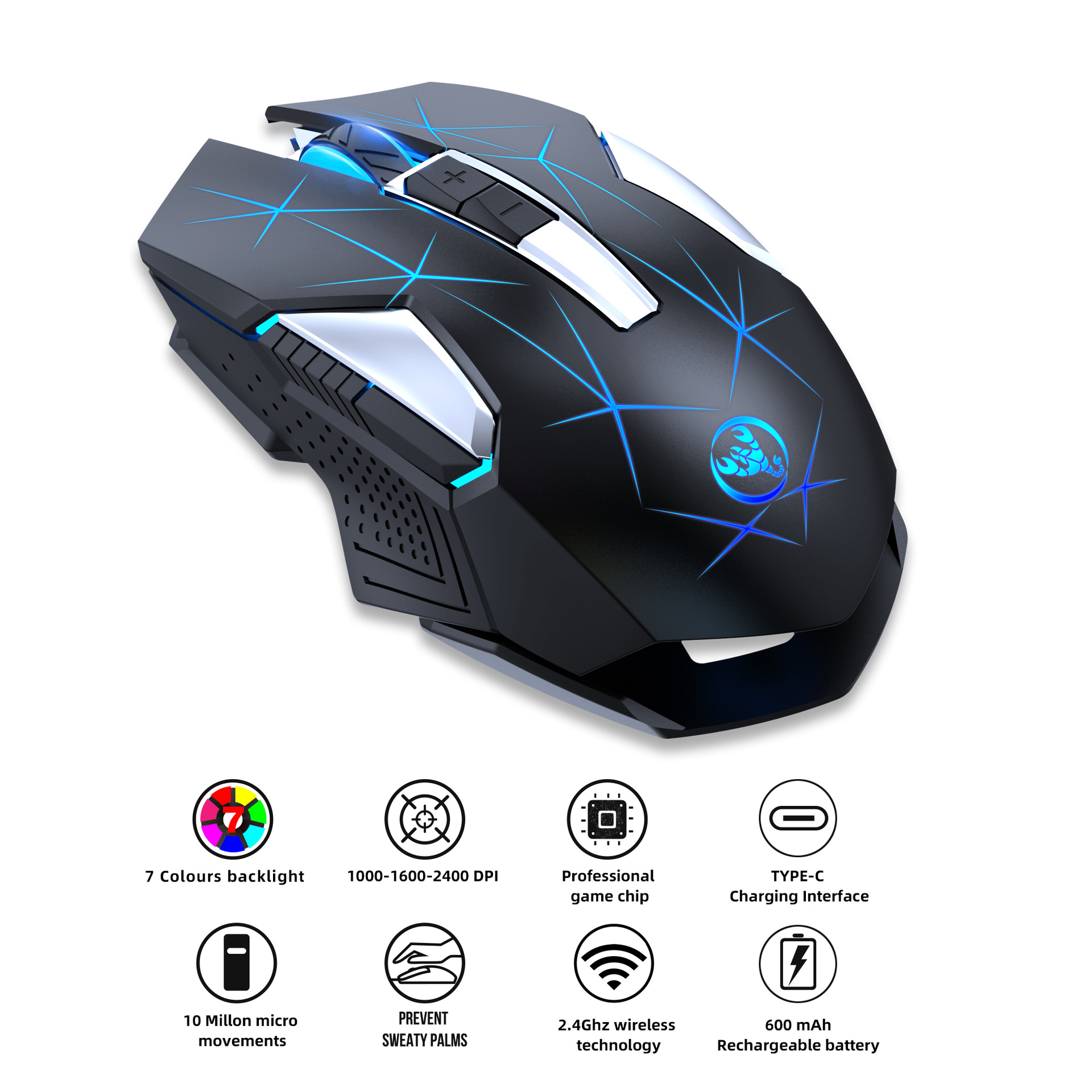
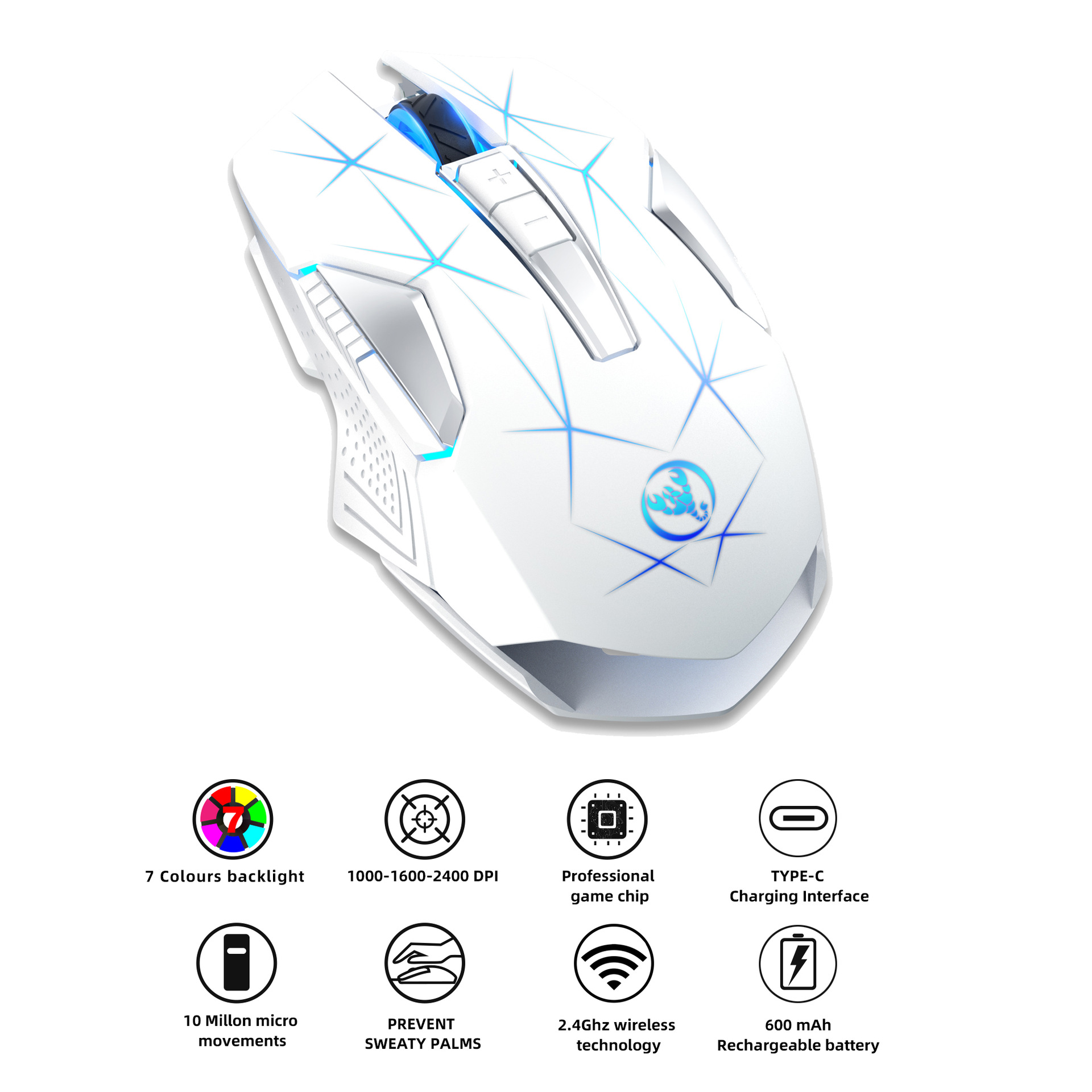
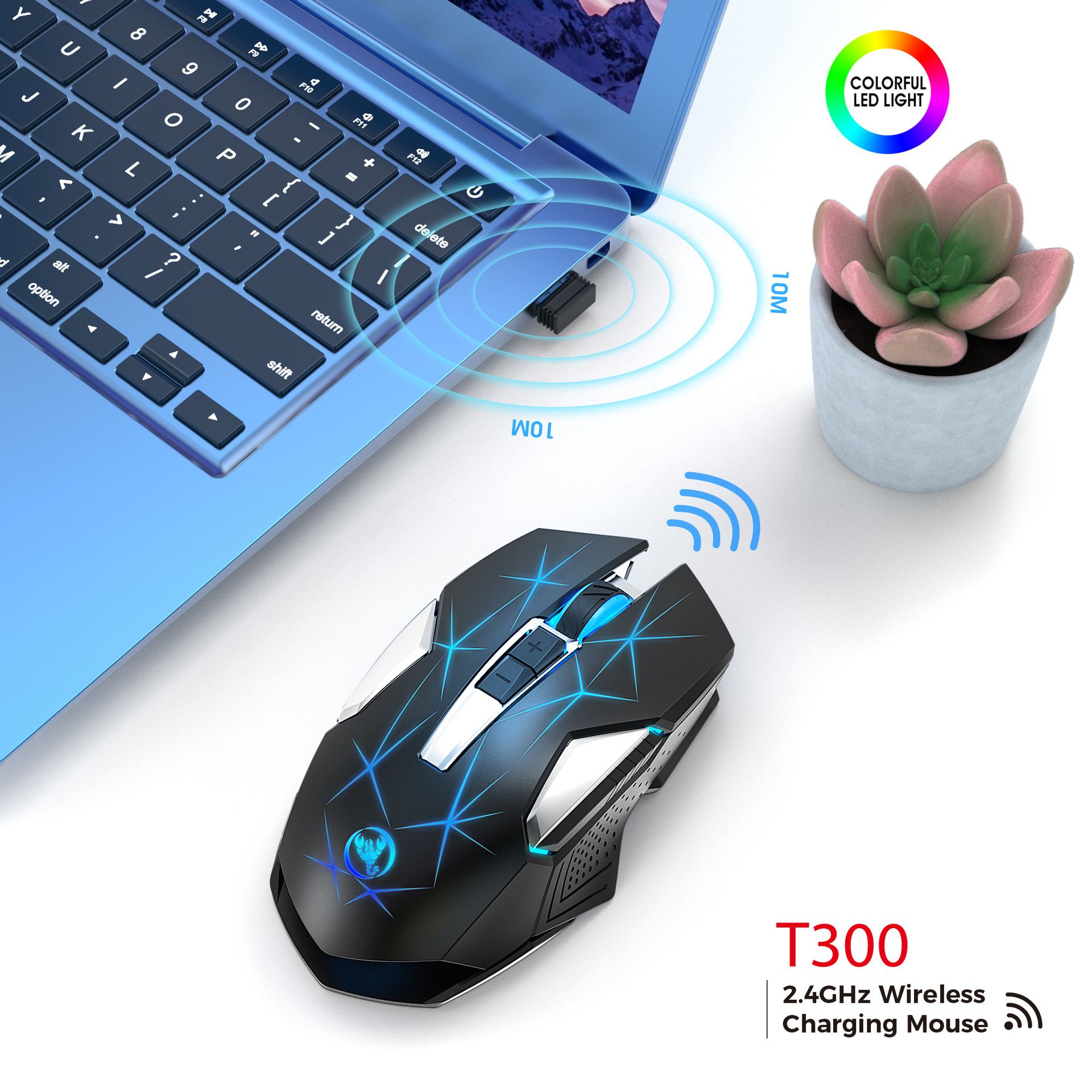
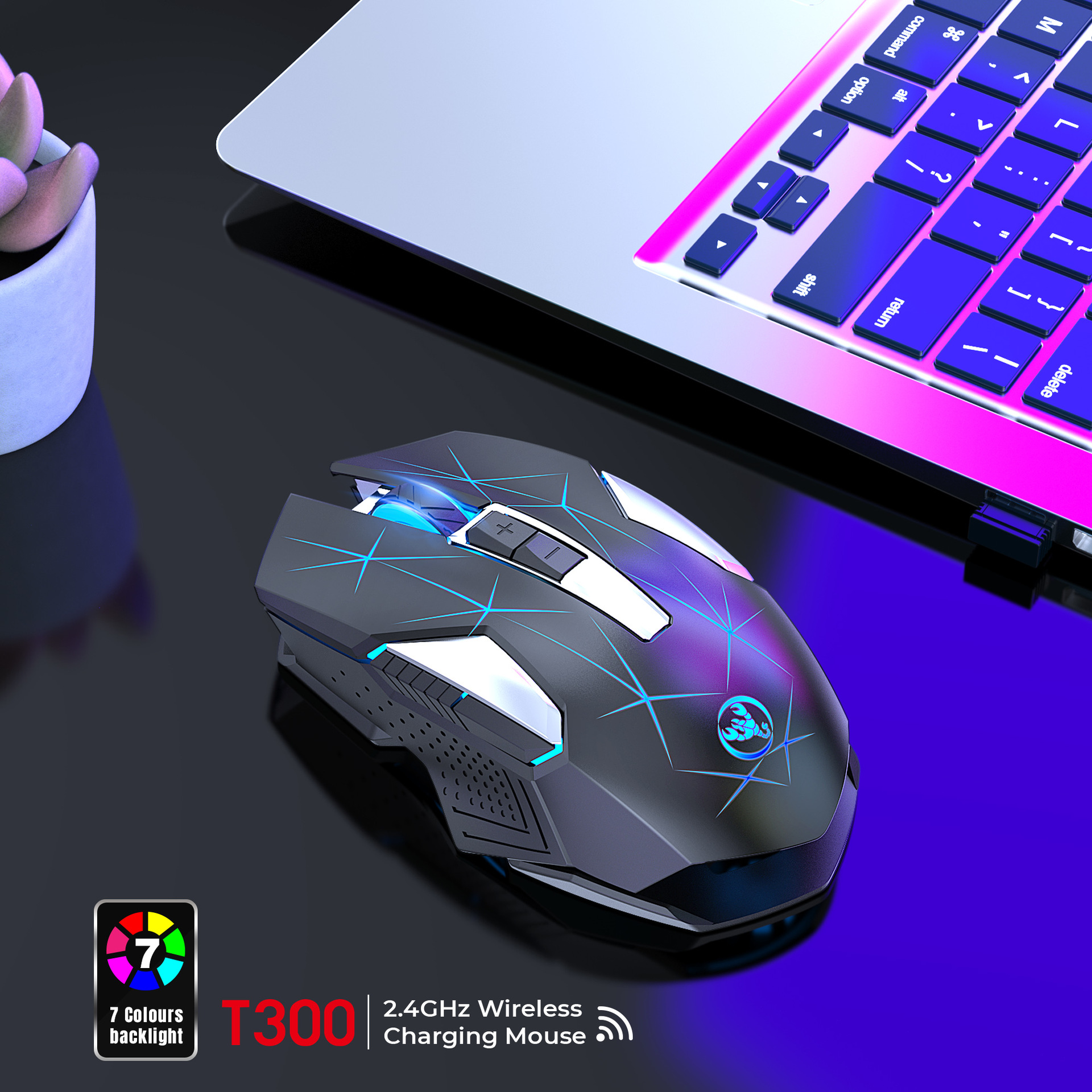
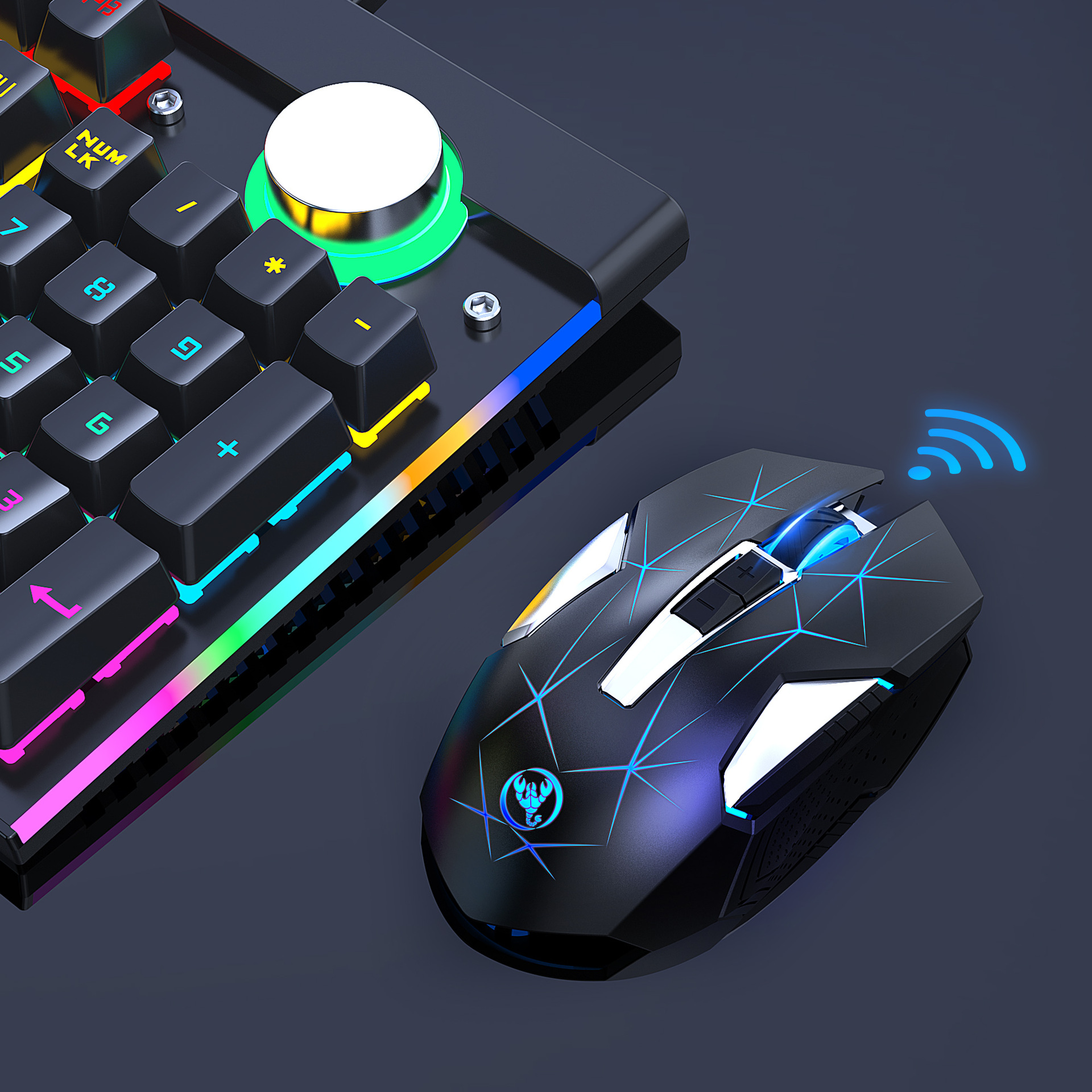
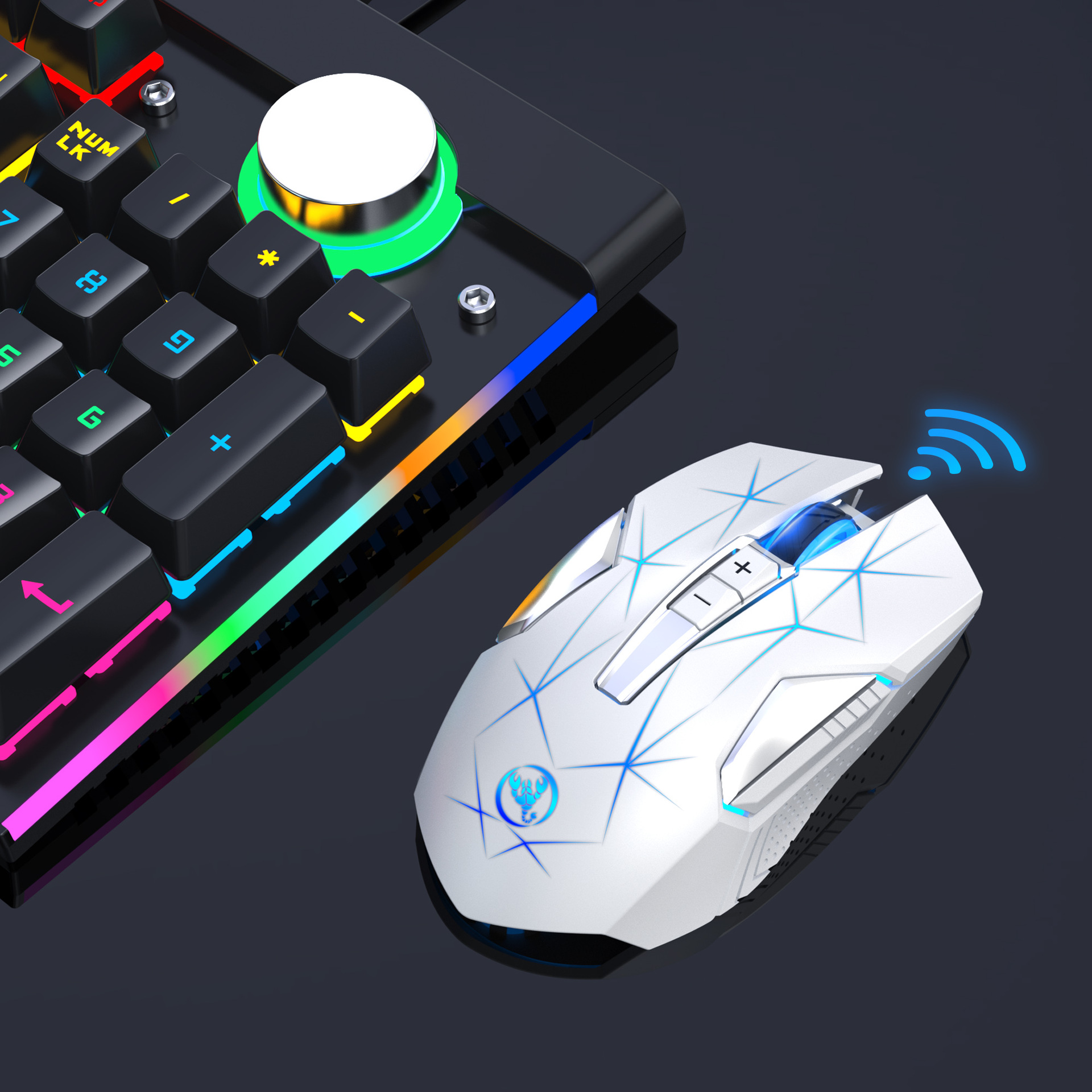
1. Connection method: 2.4G wireless
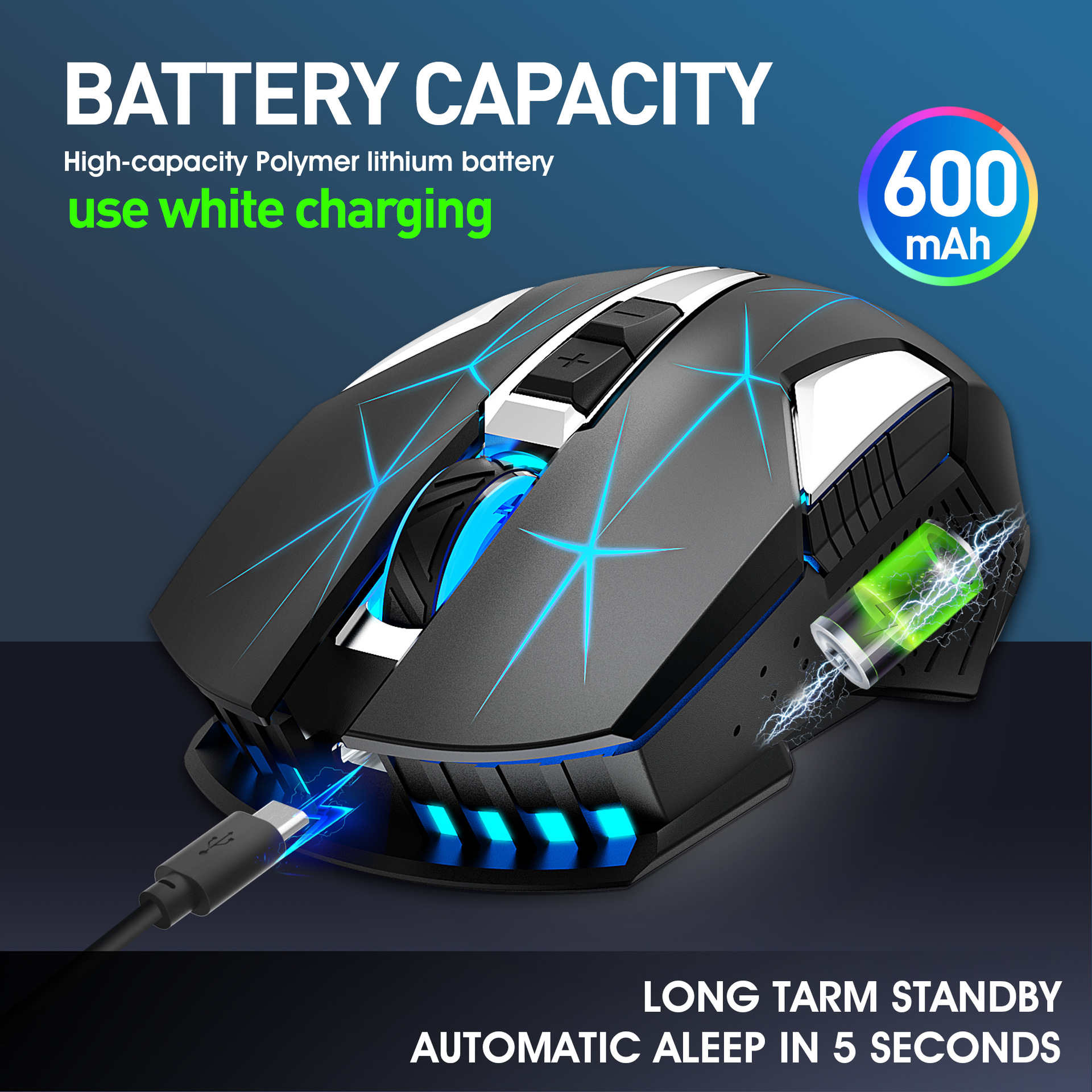
2. Rechargeable: Built-in 600mAh lithium battery
3. Accurate tracking: professional IC positioning accuracy
4. 10M wireless receiving distance
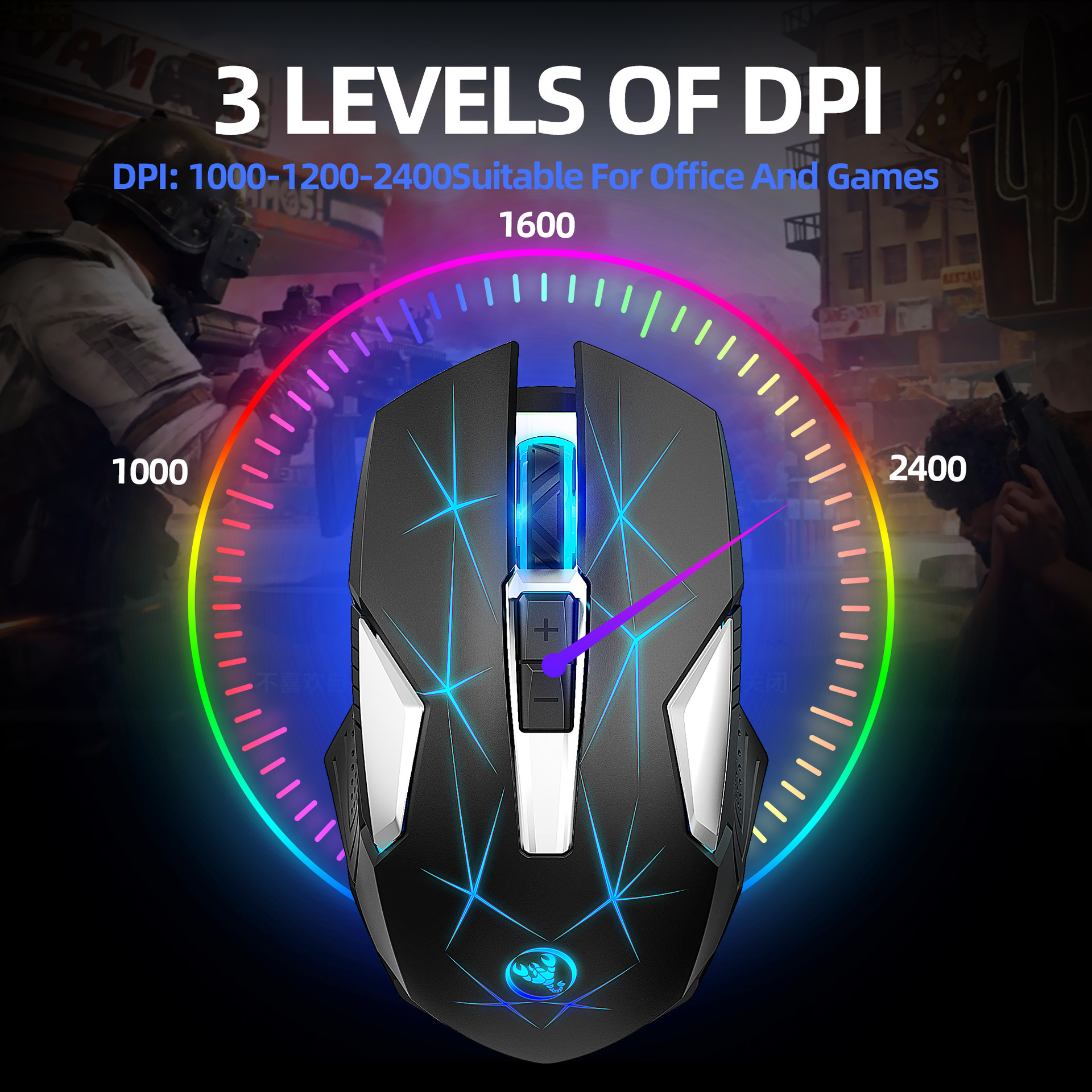
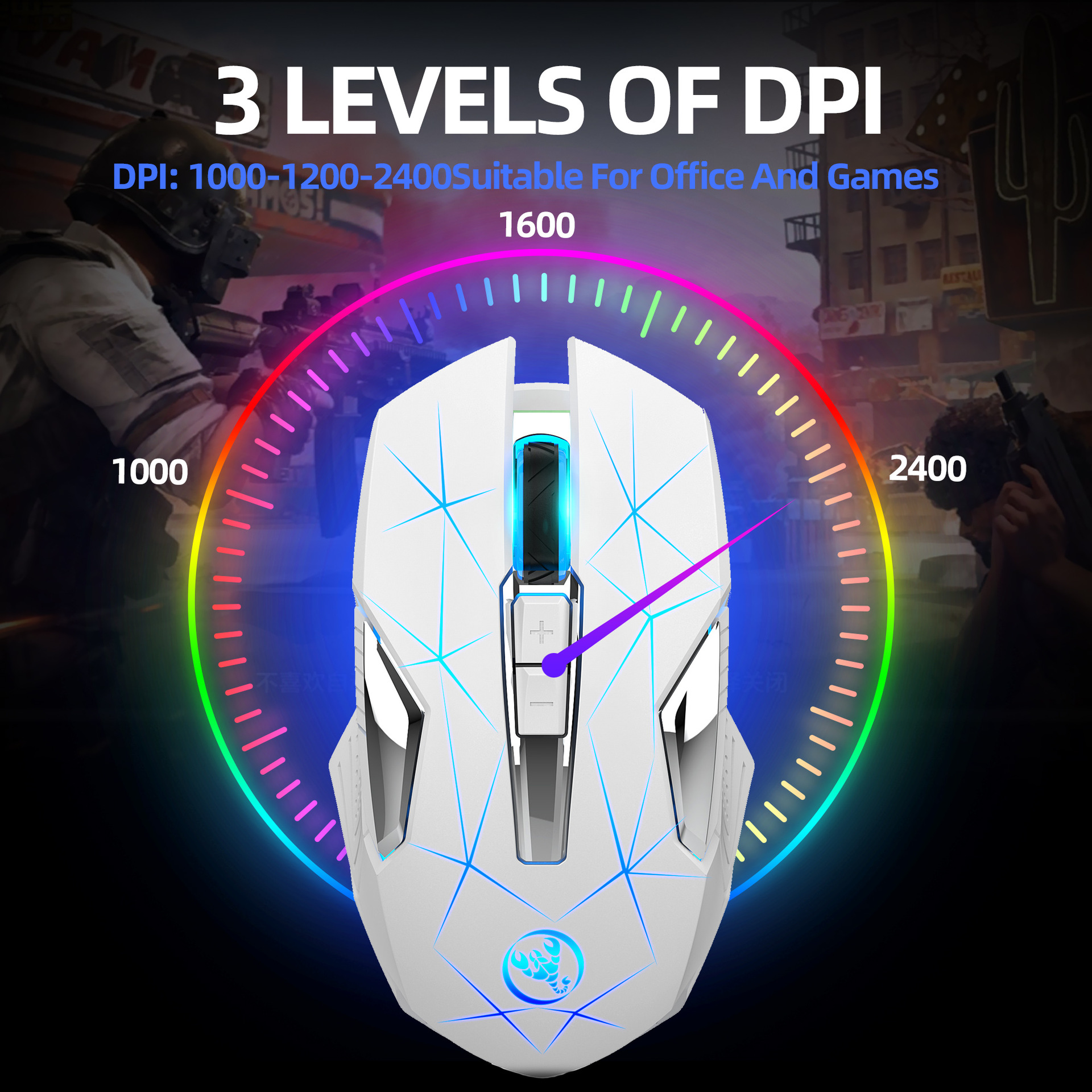
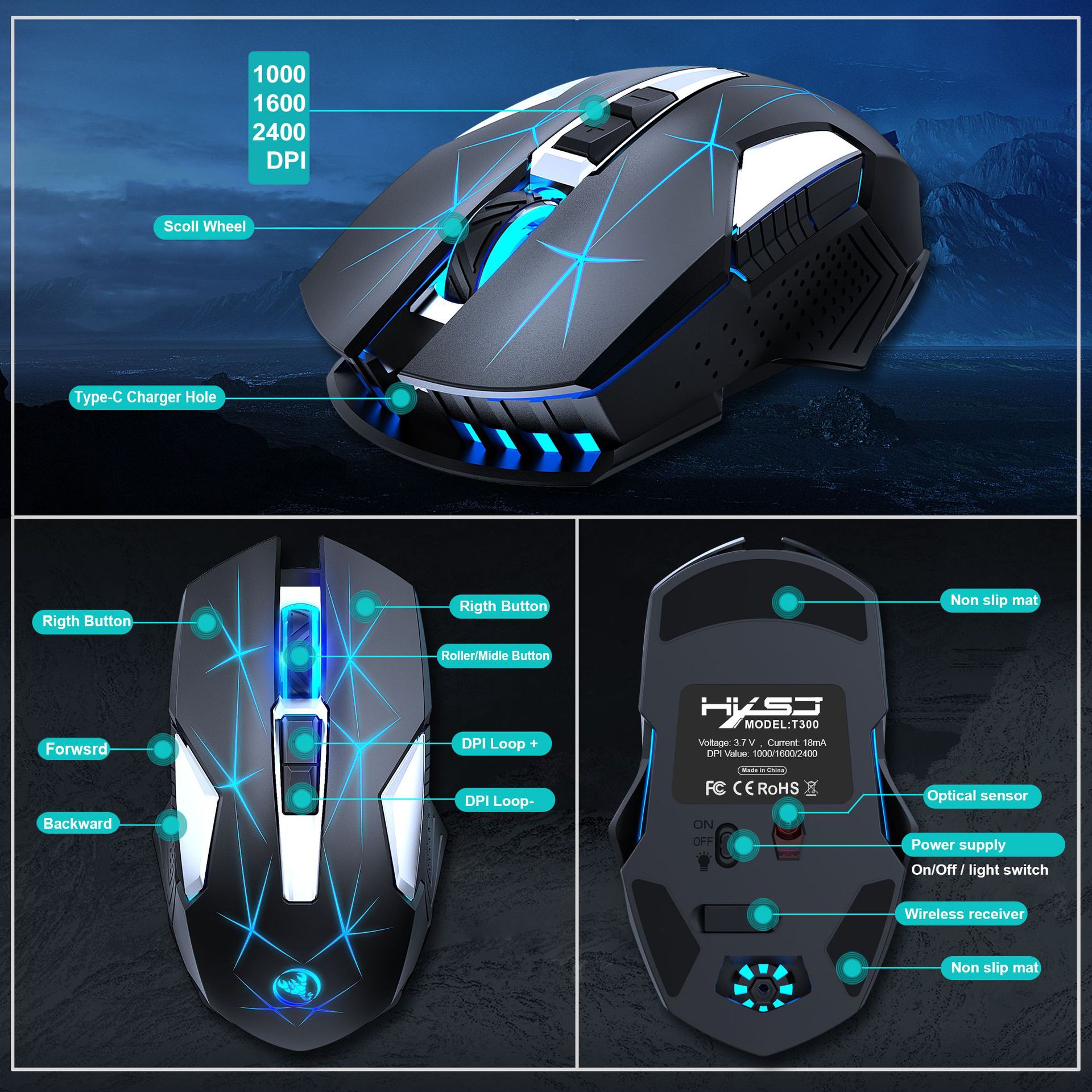
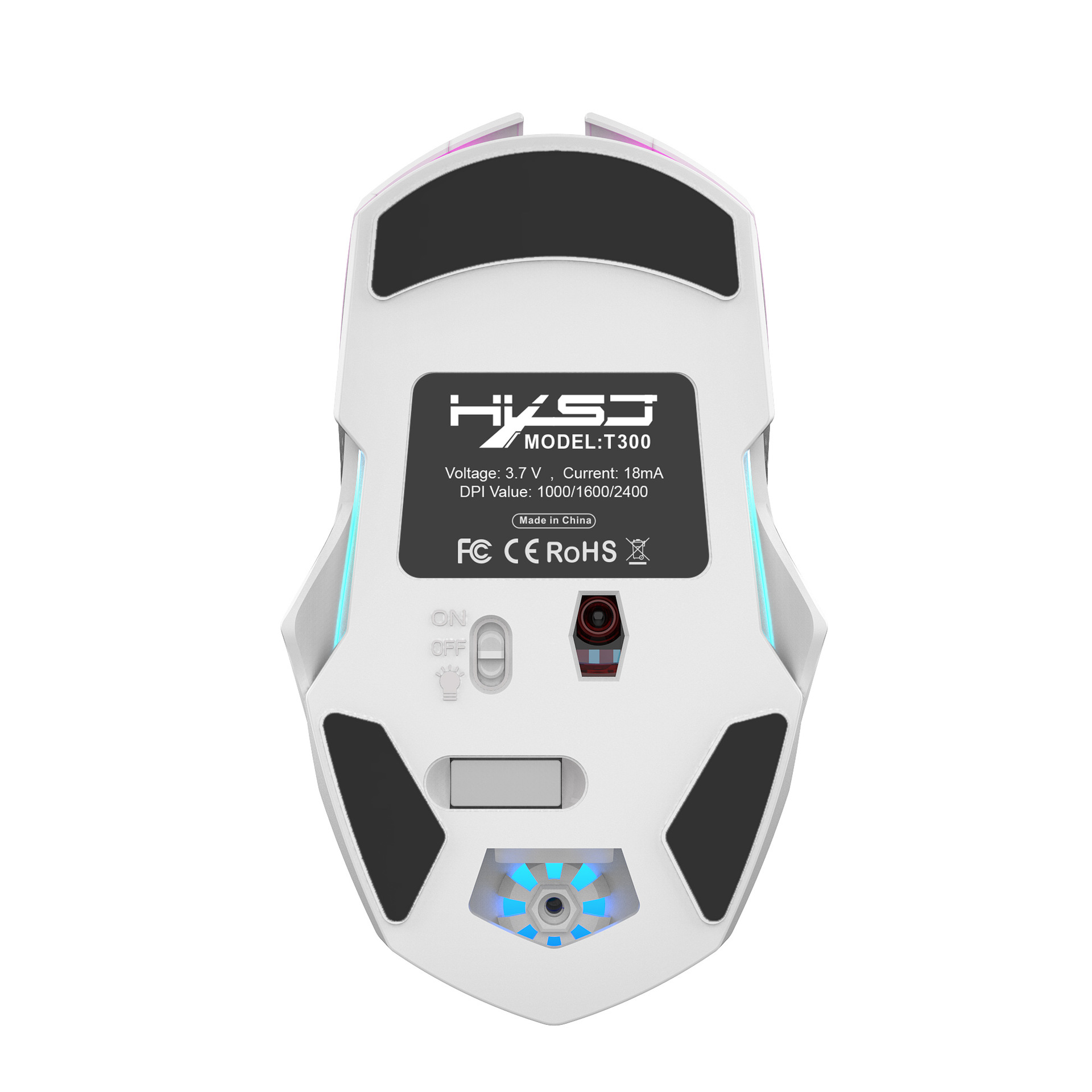
5. Three-speed DPI adjustment design(1000/1600/2400DPI )
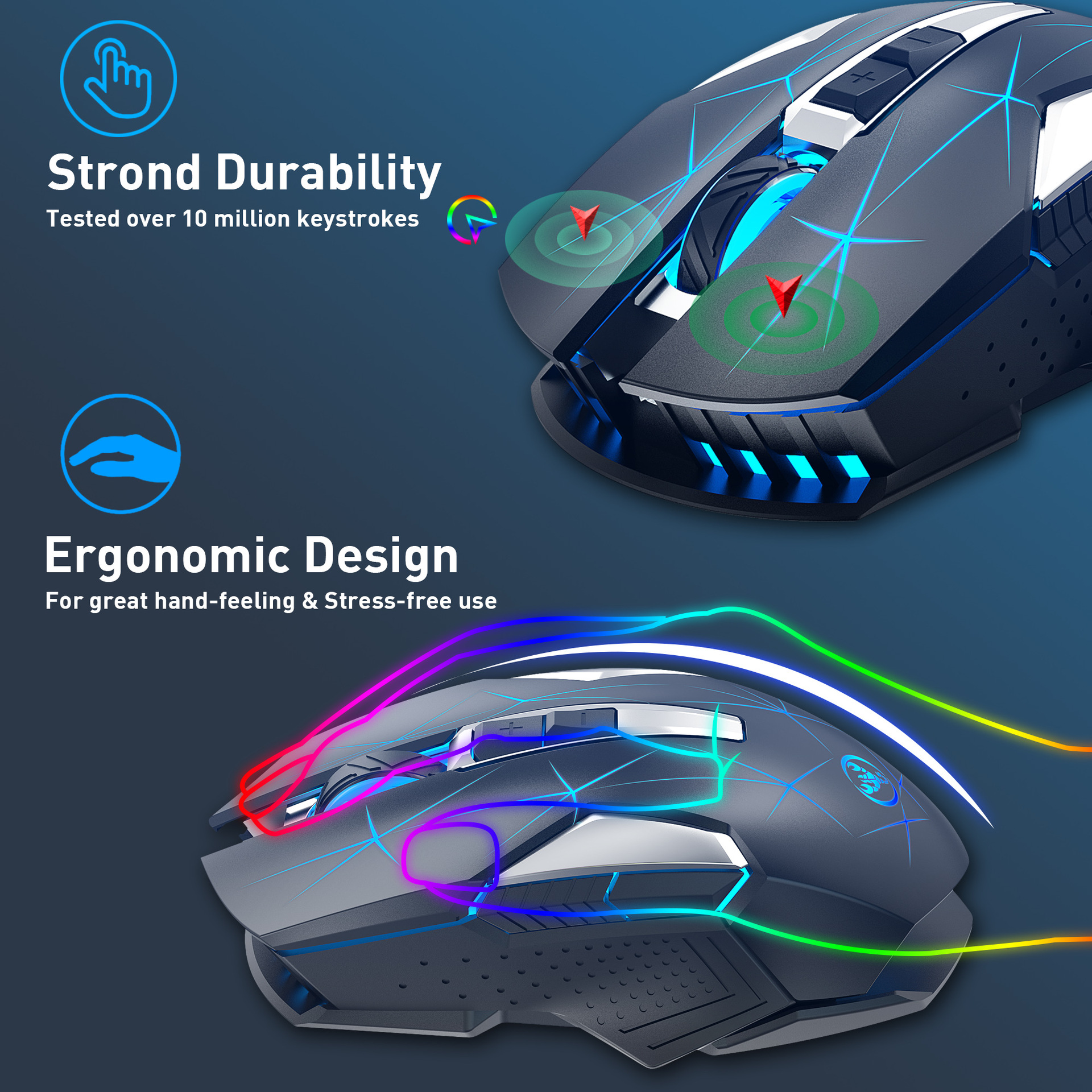
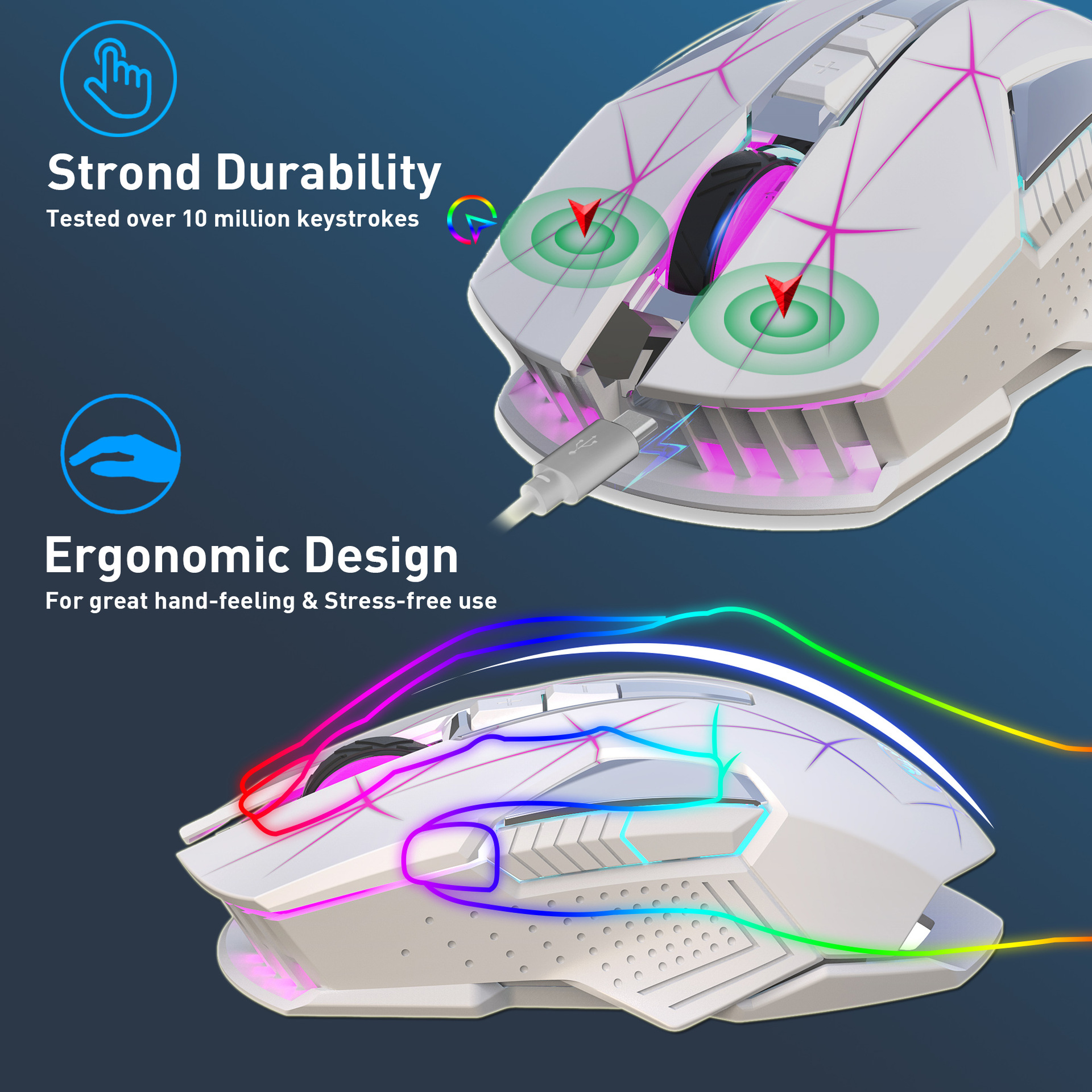
6. Acoustic switch with 10 million keystrokes life.
7. Automatic sleep power saving design.
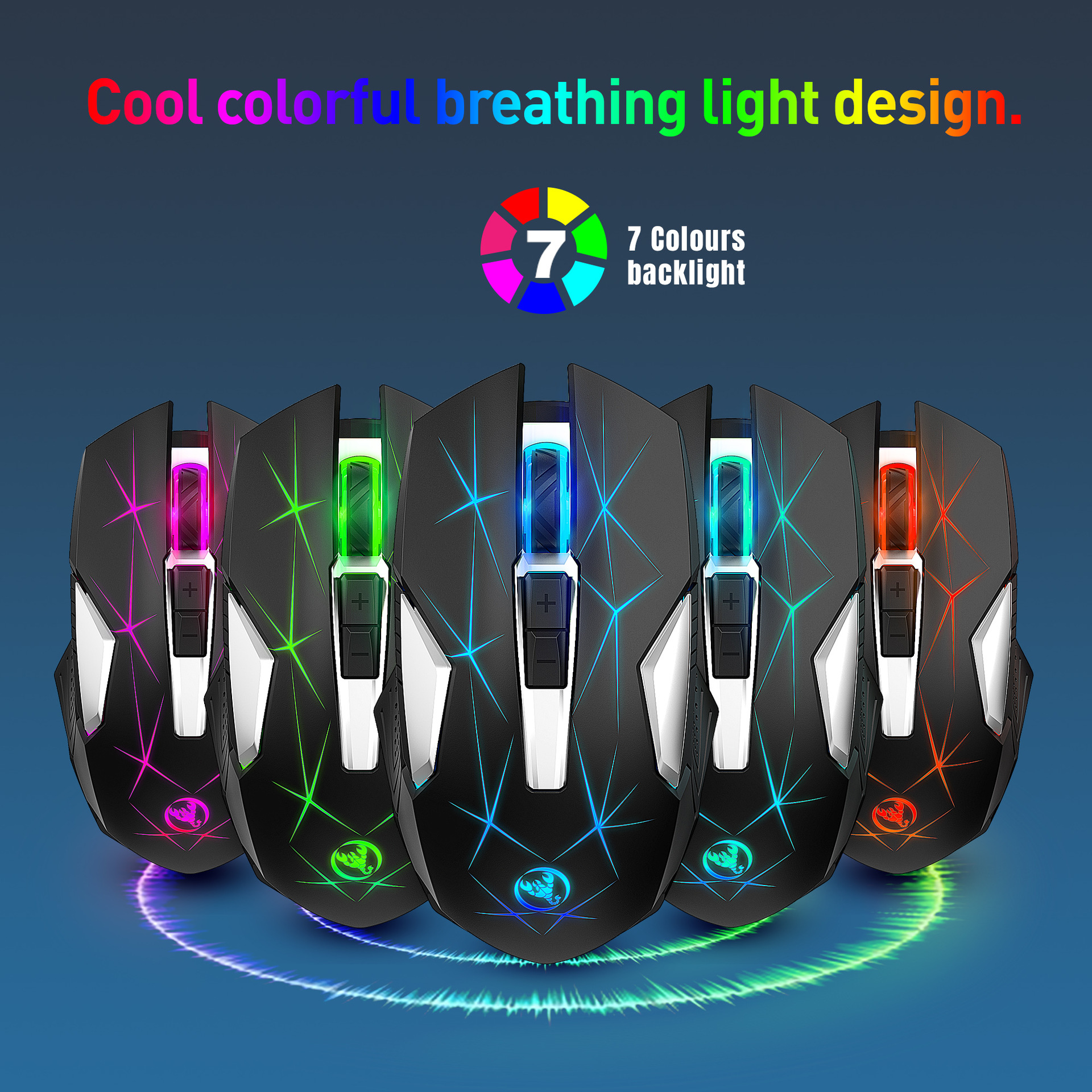
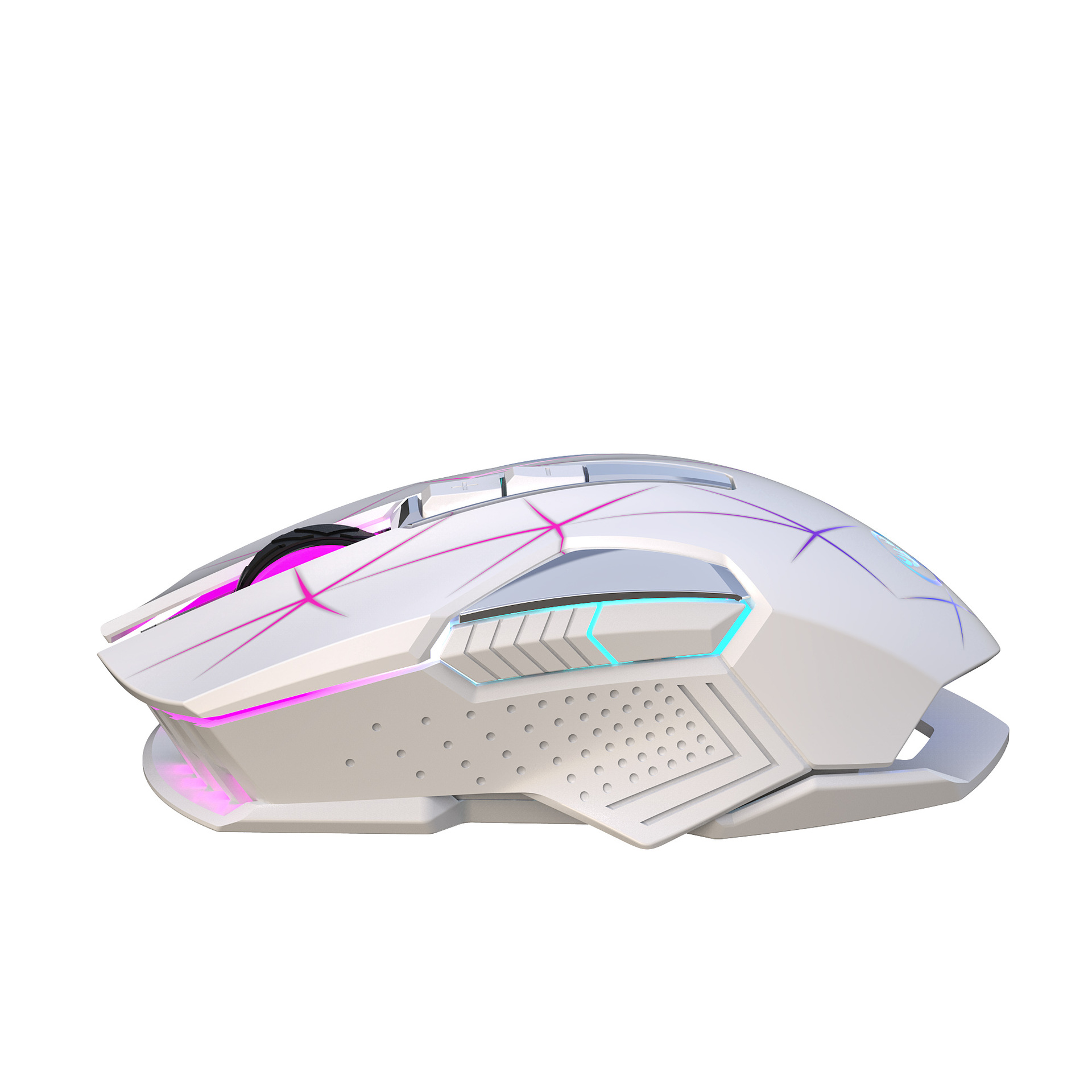
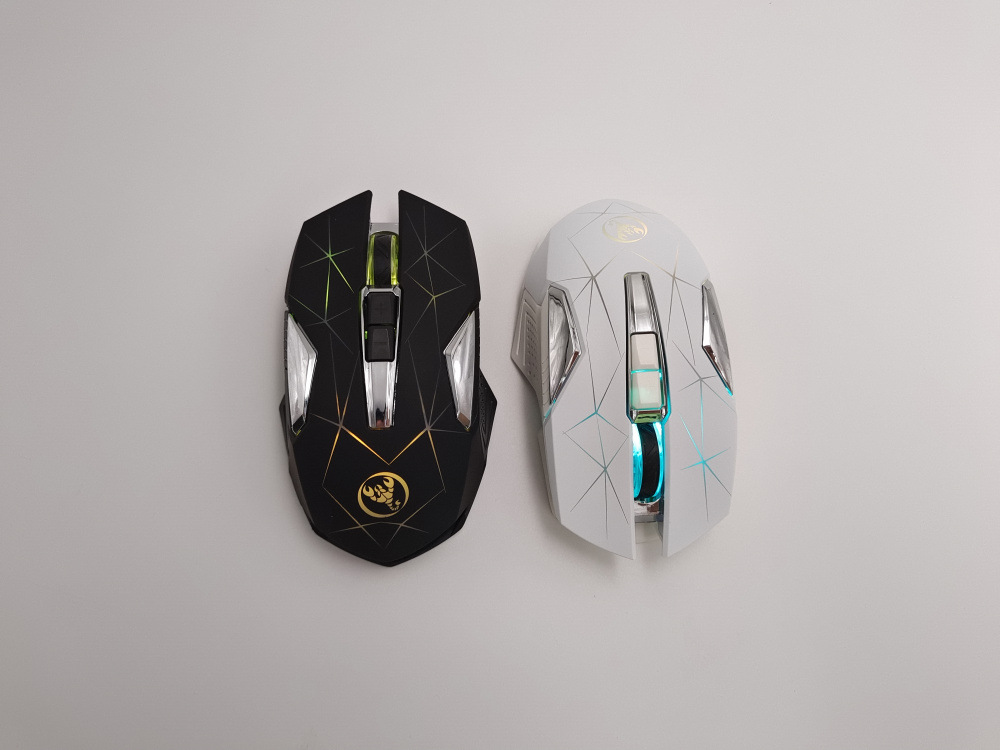
8. Cool colorful breathing light design.
Product parameters:
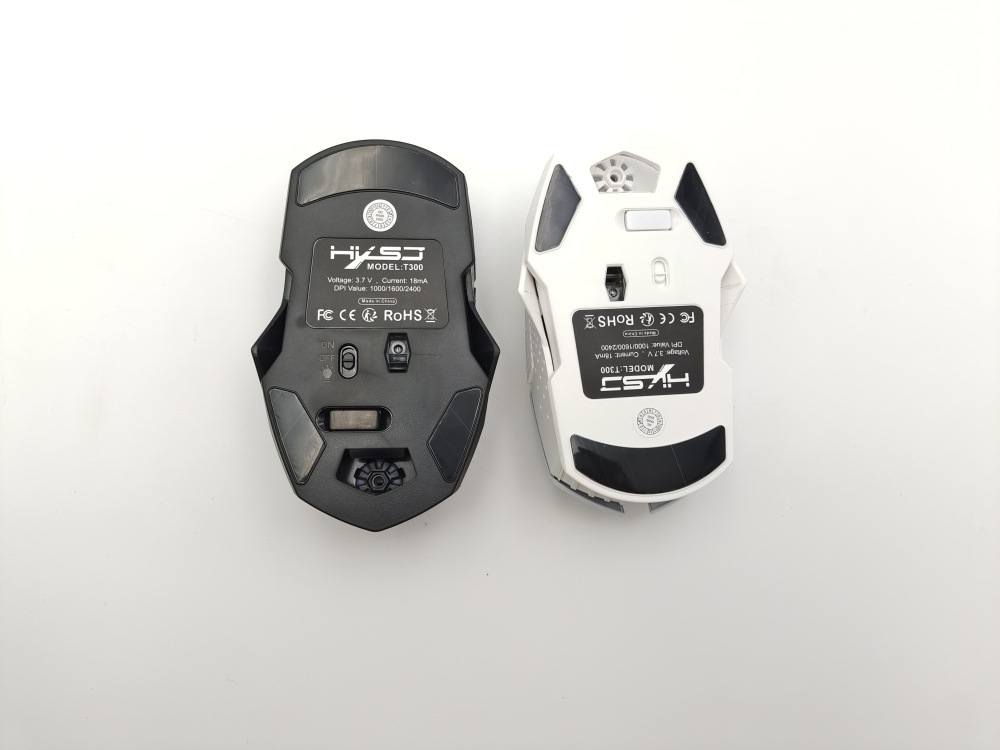
Brand: HXSJ
Model: T300
Operation Mode:Opto-electronic
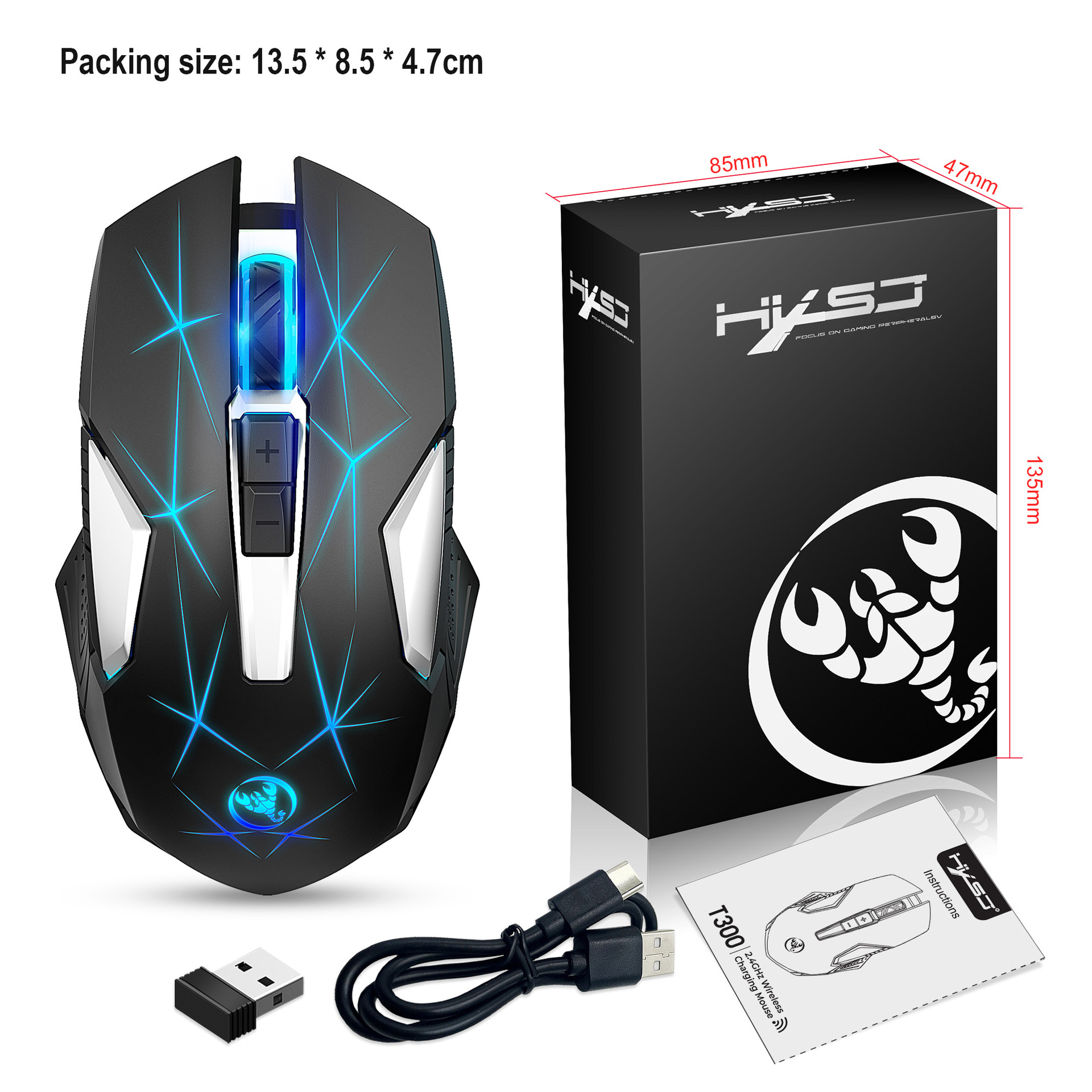
Connection: 2.4 GHz wireless transmission
Power Type:rechargeable Type-C interface
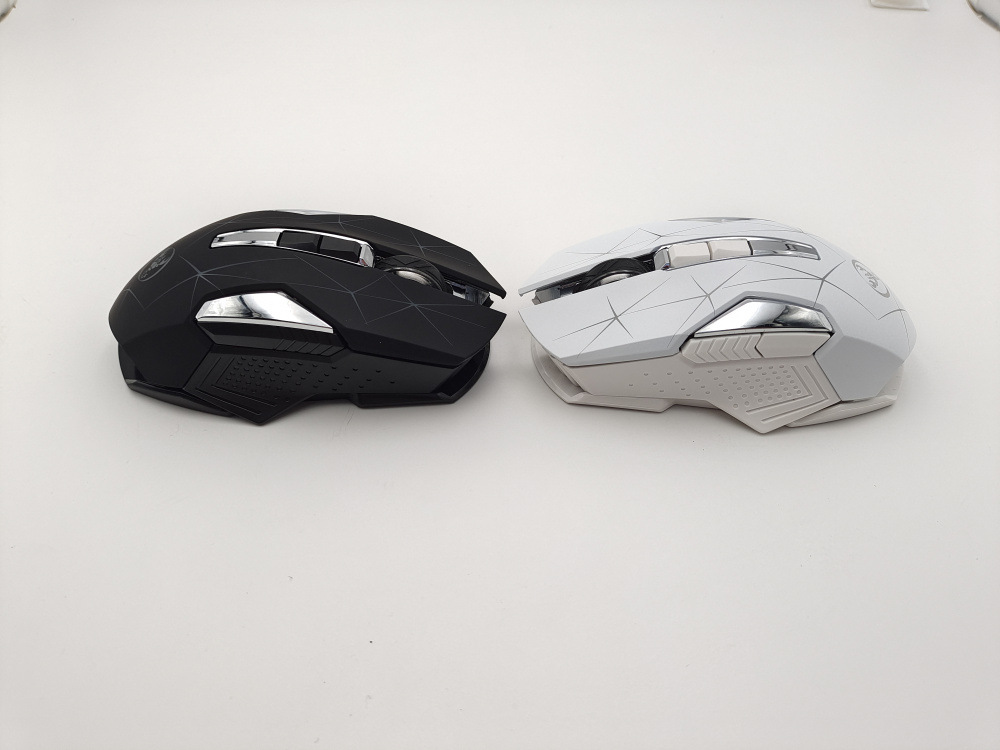
Number of keys: 7 keys
Key life: 10 million times life sound switch.
Rate of return: 250Hz
Movement Speed: 28 inches/sec
Refresh rate: 3000FPS
Acceleration: 10G
Lighting: Colorful glow
Wireless distance: 10m
Battery capacity: 600mAh
Resolution: 1000/1600/2400DPI
Rated voltage/current: 3.7V/10mA
Charging cable length: 80cm (TYPE-C Interface)
Compa ib lity:
Applicable system:
Windows ( windows XP / Vista / 7 / 8 / Server 2003 / 2000 / Win10 ,etc)MacOS (macOS 10.10 above is recommended)
In 2.4G mode:
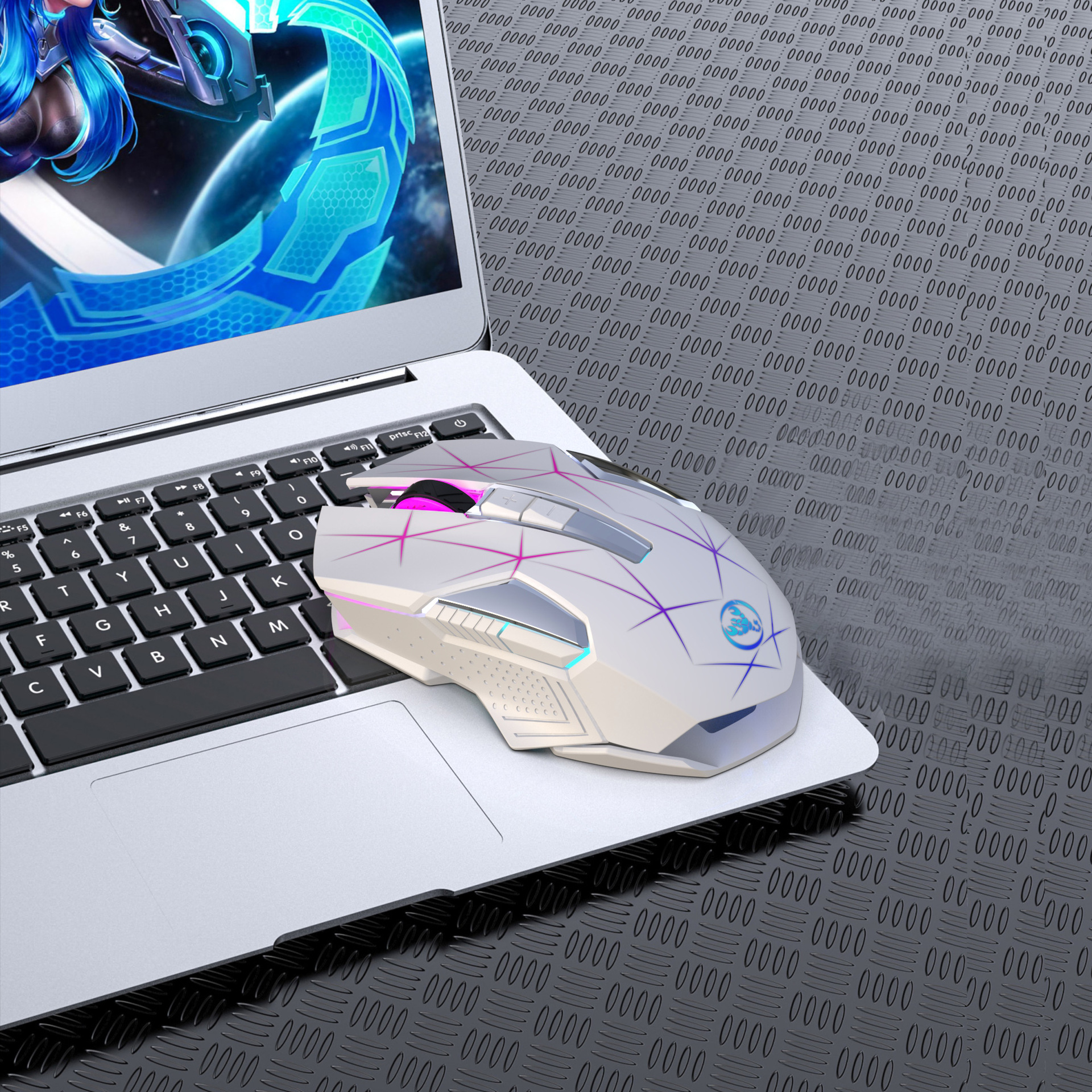
Suitable for desktop computers, notebook computers, smart TV with USB interface, etc.
Steps for usage:
1. Turn on the power switch.
2.Hardware connection: Insert the USB plug of the product into the port of USB 1.1 or above (when the product is used for the first time in the lower right corner of the computer, a prompt to automatically install hardware will pop up).
3.Move the mouse and the computer screen pointer can move accordingly, and the mouse can be used normally.