Skip to content
Save 5% on your next order with code PREMIUM5!
100,000+ Products for Home, Medical, Office & Classroom Needs
Search
Skip to product information
1 of 1

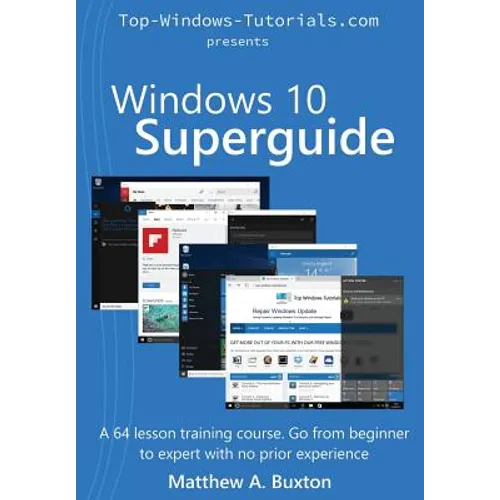
Windows 10 Superguide: Beginner to expert with no prior experience - Paperback

$27.00 USD
$27.00 USD
Sale Sold out
Shipping calculated at checkout.
In stock (100 units), ready to be shipped

Available Offers

Fast delivery available on most orders

Multiple secure payment options accepted

Secure checkout with
  • American Express
  • Apple Pay
  • Diners Club
  • Discover
  • Google Pay
  • Mastercard
  • PayPal
  • Shop Pay
  • Visa

Flight Range: Up to 1,000 meters (3,280 feet)

Maximum Speed: 45 kilometers per hour (28 miles per hour)

For all orders exceeding a value of 100USD shipping is offered for free.

Returns will be accepted for up to 10 days of Customer’s receipt or tracking number on unworn items. You, as a Customer, are obliged to inform us via email before you return the item.

Otherwise, standard shipping charges apply. Check out our delivery Terms & Conditions for more details.

View Product Details
Shopping cart
Product Product subtotal Quantity Price Product subtotal
Windows 10 Superguide: Beginner to expert with no prior experience - Paperback
$27.00/ea
$0.00
$27.00/ea $0.00

Product Description

by Patricia Buxton (Editor), Matthew A. Buxton (Author)

It's time for ten Windows 10 is ready to take you and your PC into a fantastic new age of computing. No matter if you're running a tiny tablet or laptop or a super powerful desktop, Windows 10 will make the most of your PC, empowering you to do more than ever before. In this guide, we look at Windows 10 on both touch enabled devices and traditional, keyboard and mouse equipped PCs. Building on the success of our Windows 7 and Windows 8 Superguides, the Windows 10 Superguide is our biggest and best guide yet, with no less than 65 lessons. You will learn how to navigate your Windows 10 PC, search and organise files and folders, interact with Cortana, tweak your privacy settings, secure and maintain your PC and much more. Unleash the true potential of your new Windows 10 machine with the Windows 10 Superguide. Find out why individuals, businesses, schools and learning centres all over the world love and trust our Superguides. Supplement your learning with our video courses or contact the author directly for a one on one training session. There really is no more thorough, concise or better value course available anywhere Windows 10 Superguide is used and approved by SeniorNet New Zealand.

Number of Pages: 566
Dimensions: 1.15 x 9.61 x 6.69 IN
Publication Date: October 29, 2015
you might like