by C. J. Benton (Author)
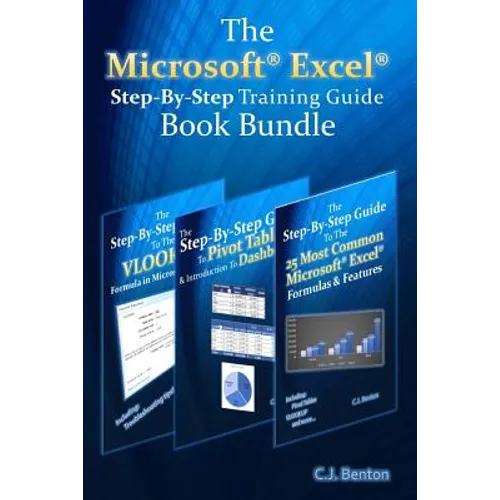
3 books in 1 a consolidation of three books in the Microsoft(R) Excel(R) Step-By-Step Training Guide Series
This book bundle offers easy to follow examples with screenshots demonstrating how to use the most common basic and intermediate Microsoft(R) Excel(R) formulas & features, including Pivot Tables, & the VLOOKUP formula. The book bundle is organized into 6 step-by-step sections, allowing you to grow your knowledge of Microsoft(R) Excel(R) at your own pace.
In addition to the following, this book bundle also includes sections on Excel(R) keyboard shortcuts and how to change the currency symbol, for example to the British Pound or Euro .
Part 1 - Excel(R) Formula Fundamentals
SUM, SUBTRACTION, MULTIPLICATION, & DIVISION AVERAGE MIN & MAX TODAY & NETWORKDAYS SUMIF Part 2 - Pivot Tables & Dashboards
Organize and summarize data Format results Insert Pivot Charts Display averages & percentages Group data into predefined ranges Rank results Insert calculated fields How to create and update a basic Dashboard using Pivot Table data Part 3 - Excel(R) Features
Data Sorting Formula Trace Text-To-Columns Conditional Formatting & Filtering Part 4 - Text Functions
LEN & TRIM CONCATENATE & MID PROPER, UPPER, & LOWER Part 5 - Logic Formulas
IF Nested IF Part 6 - The VLOOKUP Formula
What the VLOOKUP formula does The parts of a VLOOKUP formula Detailed examples on how to use the VLOOKUP formula Incorporating the IFERROR functionality into your VLOOKUP formula How to apply the VLOOKUP formula across multiple tabs & workbooks How to troubleshoot and resolve common VLOOKUP errors, including reasons why you may be getting the #N/A or #REF error
Number of Pages: 246
Dimensions: 0.52 x 9.21 x 6.14 IN
Publication Date: October 23, 2015