


Product Description
by David S. Bate (Author)
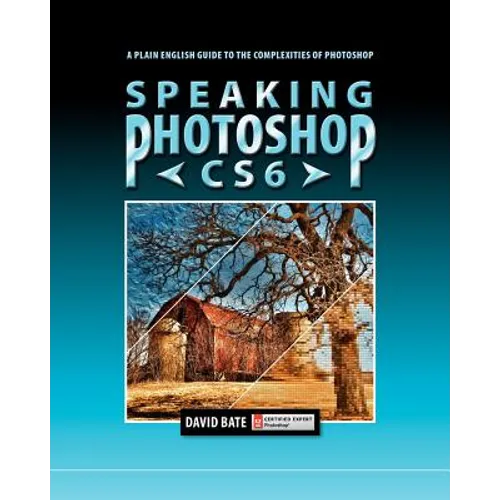
Covers the most powerful features of Photoshop in an easy-to-understand fashion. Chapter topics include: 1. An Overview of Bridge & Photoshop. Introduces the Adobe workspace, its tools and panels. 2. Resizing, Cropping and Transforming. Addresses the differences between image size and canvas size and explains the importance of resolution to image quality. 3. Creating Selections. Provides a comprehensive look at the various methods of selecting part of an image for further editing. 4. Levels, Curves, Shadows/Highlights. Explains the mechanics of histograms, how the various luminosity commands work and why they improve detail in an image. 5. Color Balancing Act. Explains what to look for when color correcting images and what methods to use to improve color. 6. Retouching. Covers gradient backgrounds, specialized brush tips, cloning, healing, removing red eye and brightening teeth. 7. Layers and Layer Effects. Covers layer blending modes, opacity, fill, layer effects, layer masks, clipping masks, and alignment and distribution. 8. Smart Objects, Filters and Vanishing Point. Covers the advantages of using Smart Objects and explores the unlimited possibilities of using Photoshop filters, including Vanishing Point. 9. Distort, Warp and Content Aware. Explains how to distort images using Liquify and Puppet Warp. Also covers Content Aware Fill, Content Aware Scale and Content Aware Move. 10. Camera Raw, Photomerge and HDR. Explains the powerful features of Camera Raw for adjusting white balance, correcting exposure and more. Also demonstrates how to merge multiple photos into a seamless panorama with Photomerge and how to create a high dynamic range photo using Merge to HDR Pro. 11. Extracting Images: A Hairy Proposition. Covers manual masking techniques and Refine Mask to extract images that contain hair. Includes compositing tips on placing an image into a background with a different white balance or exposure. 12. Photoshop's Vector Capabilities. Covers vector paths, shapes, strokes and type. Includes tips on how to create paths and edit on-the-fly using the Pen tool. 13. Output for Print & Web. Includes tips on printing to desktop printers, preparing images for four-color or spot-color offset printing, and saving optimized images for the Web.