Skip to content
Save 5% on your next order with code PREMIUM5!
100,000+ Products for Home, Medical, Office & Classroom Needs
Search
Skip to product information
1 of 1

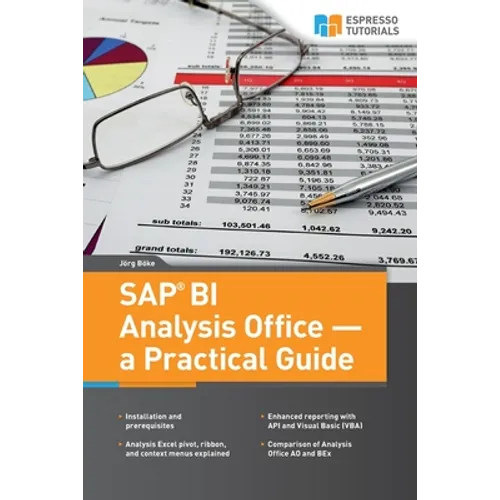
SAP BI Analysis Office - a Practical Guide - Paperback

$53.93 USD
$53.93 USD
Sale Sold out
Shipping calculated at checkout.
In stock (100 units), ready to be shipped

Available Offers

Fast delivery available on most orders

Multiple secure payment options accepted

Secure checkout with
  • American Express
  • Apple Pay
  • Diners Club
  • Discover
  • Google Pay
  • Mastercard
  • PayPal
  • Shop Pay
  • Visa

Flight Range: Up to 1,000 meters (3,280 feet)

Maximum Speed: 45 kilometers per hour (28 miles per hour)

For all orders exceeding a value of 100USD shipping is offered for free.

Returns will be accepted for up to 10 days of Customer’s receipt or tracking number on unworn items. You, as a Customer, are obliged to inform us via email before you return the item.

Otherwise, standard shipping charges apply. Check out our delivery Terms & Conditions for more details.

View Product Details
Shopping cart
Product Product subtotal Quantity Price Product subtotal
SAP BI Analysis Office - a Practical Guide - Paperback
$53.93/ea
$0.00
$53.93/ea $0.00

Product Description

by Joerg Boeke (Author)

Many companies struggle with the ability to quickly and accurately create easy-to-read reports. This book systematically explains how you can leverage SAP Analysis Office (AO) to support your company's reporting needs. AO combines the experience users had with Business Explorer (BEx) reporting over the last decade, with the additional pivoting functionality offered by Microsoft, along with standard Excel reports. Combining these functionalities, SAP created a powerful tool for your daily analysis as you will discover in this book. Tight integration with the SAP NetWeaver BW environment ensures that reporting users can access and refresh data. This book dives into:


  • Installation and prerequisites
  • Key functionality and detailed explanations like Analysis Excel pivot, ribbon, and context menus
  • Enhanced reporting with API and Visual Basic (VBA)
  • A comparison of Business Explorer (BEx) and Analysis Office (AO) functionality
Number of Pages: 252
Dimensions: 0.53 x 9.02 x 5.98 IN
Publication Date: June 11, 2015
you might like