


Product Description
by Dick Kusleika (Author)
Your step-by-step guide to doing more with Microsoft Excel
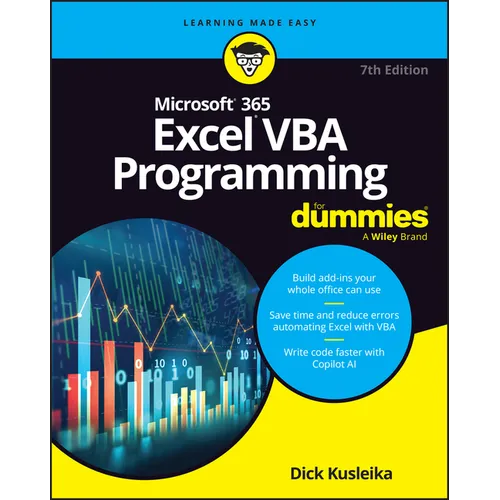
Fully updated for the latest version of Office 365, Excel VBA Programming For Dummies will take your Excel knowledge to the next level. With a little background in Visual Basic for Applications (VBA) programming, you can go well beyond basic spreadsheets and functions. Learn the coding basics and syntax you need to write simple or complex macros that can automate your routine Excel tasks. Become an Excel power user by automating data management, user forms, pivot tables, and beyond. When you use VBA to perform Excel operations, you can reduce errors, save time, and integrate with other Microsoft applications. This handy guide also teaches you how to control the security settings for your macros and save macros to use across files and apps. Plus, you'll get updated coverage of Copilot AI integration. Your spreadsheets are about to get much more powerful.
- Get stared with VBA coding to create macros and automate tasks in Excel
- Follow step-by-step instructions to write and execute your first scripts
- Learn about the advanced functions available with the VBA language
- Perform tasks faster and integrate excel with other Microsoft apps
This Dummies guide is right up your alley if you're an Excel user looking to learn some next-level features. Students and professionals alike will reap the benefits of automation, thanks to Excel VBA Programming For Dummies.
Back Jacket
Spice up your spreadsheets with VBA macros
Excel can do a lot--and you can make it do even more once you know Visual Basic for Applications (VBA) programming. Microsoft(R) 365 Excel(R) VBA Programming For Dummies will show you the ropes, including how to make simple programs ("macros") to automate tasks, add user input forms, and beyond. Even if you're brand new to VBA, this clear and simple guide will teach you everything you need to get started. You'll also learn how to use Microsoft's AI assistant, Copilot, to help you generate code and take your Excel game to the next level.
Inside...
- Create simple macros
- Use the Visual Basic Editor
- Troubleshoot errors
- Explore AI-assisted VBA coding
- Discover helpful code examples
- Work with User Forms
- Create Excel Add-Ins
- Find extra resources and tips
Author Biography
Dick Kusleika has more than 25 years' experience helping Office users get the most out of Microsoft's bestselling software. From online forums to blogs, books, and con-fer-ences, he delivers sound and straightforward advice to readers of all skill levels.