


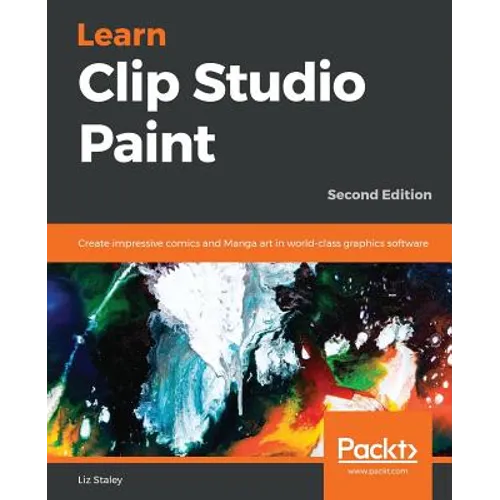
Product Description
by Liz Staley (Author)
Take your comics and illustrations to the next level with the powerful art tools in Clip Studio Paint 1.8
Key Features:
- Overcome "interface overwhelm" with a practical breakdown of the Clip Studio interface
- Comprehensive guide on the Clip Studio Paint with detailed coverage of all the tools and concepts of designing comics
- Streamline your workflow to create faster and easier using Clip Studio's features
Book Description:
Clip Studio Paint, the successor to Manga Studio, is used by over four million illustrators and comic creators around the world. This book will guide you through every step of learning this software, from system requirements and installation, all the way through to exporting your work for print or the web. Learn how to create new documents, customize tools to fit your working style, use ruler tools to create anything from straight lines to intricate backgrounds, add 3D elements, create comic panels using the specialized panel tools, utilize screentones and materials, add text and word balloons to your comics, create sound effects, easily flat and color your comics using reference layers, and bring your drawings to life using the animation features.
By the end of this book, you will be able to navigate the Clip Studio Interface and program preferences, customize the various tools, and be able to create your own black-and-white and color illustrations and comics from start to finish.
What You Will Learn:
- Understand the differences between Clip Studio Paint Pro and EX
- Discover how to navigate and customize the user interface
- Creating custom tools that fit your unique style of illustration
- Using the ruler tools to create intricate perspective shots and complex symmetry
- Discover how to use 3D elements in your work
- Learn how to create lettering and word balloons to bring your comic stories to life
- Understand the process of digital art creation from pencils to inks to color
- Understand how to use the animation tools available in Clip Studio Paint
Who this book is for:
If you are a beginning digital artist or are switching to Clip Studio from another graphics software, this book is for you. This book is excellent for those with no knowledge of digital art up to intermediate users looking to explore the unique features of Clip Studio Paint.