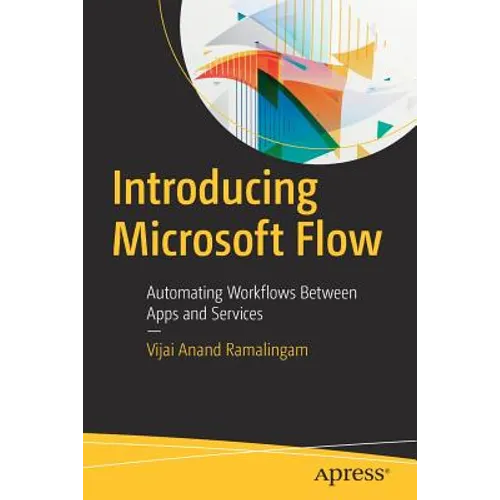
Product Description
by Vijai Anand Ramalingam (Author)
Use Microsoft Flow in your business to improve productivity through automation with this step-by-step introductory text from a Microsoft Flow expert. You'll see the prerequisites to get started with this cloud-based service, including how to create a flow and how to use different connectors. Introducing Microsoft Flow takes you through connecting with SharePoint, creating approval flows, and using mobile apps. This vital information gives you a head-start when planning your Microsoft Flow implementation.
The second half of the book continues with managing connections and gateways, where you'll cover the configuration, creation, and deletion of connectors and how to connect to a data gateway. The final topic is Flow administration and techniques to manage the environment.
After reading this book, you will be able to create and manage Flow from desktop, laptop, or mobile devices and connect with multiple services such as SharePoint, Twitter, Facebook, and other networking sites.
What You Will Learn
- Create flows from built-in and blank templates
- Manage flows, connections, and gateways
- Create approvals, connect with multiple services, and use mobile apps
Back Jacket
Use Microsoft Flow in your business to improve productivity through automation with this step-by-step introductory text from a Microsoft Flow expert. You'll see the prerequisites to get started with this cloud-based service, including how to create a flow and how to use different connectors.Introducing Microsoft Flow takes you through connecting with SharePoint, creating approval flows, and using mobile apps. This vital information gives you a head-start when planning your Microsoft Flow implementation.
The second half of the book continues with managing connections and gateways, where you'll cover the configuration, creation, and deletion of connectors and how to connect to a data gateway. The final topic is Flow administration and techniques to manage the environment.
After reading this book, you will be able to create and manage Flow from desktop, laptop, or mobile devices and connect with multiple services such as SharePoint, Twitter, Facebook, and other networking sites.
You will:
- Create flows from built-in and blank templates
- Manage flows, connections, and gateways
- Create approvals, connect with multiple services, and use mobile apps
Author Biography
Vijai Anand Ramalingam is a Microsoft MVP in Office Servers and Services, an experienced senior consultant with deep knowledge in SharePoint. He is a blogger, author, speaker and has published 1000 blogs/articles on C# Corner. He works as a Technology Specialist in Cognizant Technology Solutions, New Jersey. Vijai has worked on Microsoft SharePoint(R) 2016, Office 365, Microsoft SharePoint(R) 2013, Microsoft SharePoint(R) 2010 and Microsoft Office SharePoint(R) Server 2007.