Product Description
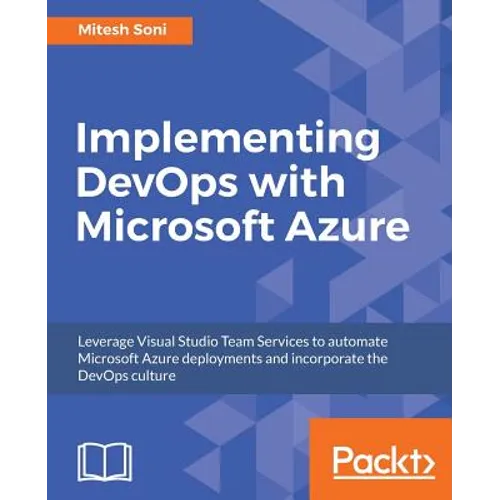
by Mitesh Soni (Author)
Accelerate and Automate Build, Deploy, and Management of applications to achieve High Availability.
Key Features:
- This guide highlights tools that offer development and deployment environments for application services
- Secure and continuously monitor your web application in order to make it highly available
- Use Visual Studio Team Services for Continuous Integration and Continuous Development to expedite your application life cycle management process
- Use Microsoft Azure App Services (Azure Web Apps / Azure Websites), PaaS offering from Microsoft to deploy web application
Book Description:
This book will teach you all about the Visual Studio Team Services and Microsoft Azure PaaS offerings that support Continuous Integration, Continuous Delivery, Continuous Deployment, and execution in the cloud with high availability, disaster recovery, and security.
You will first be given a tour of all the concepts and tools that Microsoft Azure has to offer and how these can be used in situations to cultivate the DevOps culture. You'll be taught how to use and manage Visual Studio Team Services (VSTS) and about the structure of the sample application used throughout the book. You will become familiar with the nitty gritty of Continuous Integration and Continuous Development with VSTS and Microsoft Azure Apps. You will not only learn how to create App service environments, but also how to compare Azure Web Apps and App Service Environments to deploy web applications in a more secure environment.
Once you have completed Continuous Integration and created the Platform for application deployment, you will learn more about the final stepping stone in achieving end-to-end automation using approval-based Continuous Delivery and Deployment. You will then learn about Continuous Monitoring, using the monitoring and notification options provided by Microsoft Azure and Visual Studio Team Services.
What You Will Learn:
- Explore the features of PaaS and aPaaS in DevOps
- Use Visual Studio Team Services (VSTS) to manage versions of code and integrating VSTS with Eclipse IDE
- Understand and configure Continuous Integration in VSTS
- Review Unit Test Execution for Automated Testing
- Create different environments that can be used to continuous deploy a web application
- Configure Roll-based Access to enable secure access for Azure Web Apps
- Create and configure the App Service Environment to enhance security
- Understand the execution of the end-to-end automation process
- Conduct Performance Testing using JMeter
- Discover the different monitoring options available in Microsoft Azure Portal
Who this book is for:
This book is for DevOps engineers, system administrators, and developers (.net) who want to implement DevOps for their organization. You do not need to have any knowledge of VSTS or Azure App Services (Azure Web Apps / Azure Websites).