Skip to content
Welcome To Our Store.
100,000+ Products for Home, Medical, Office & Classroom Needs
Search
Skip to product information
1 of 1

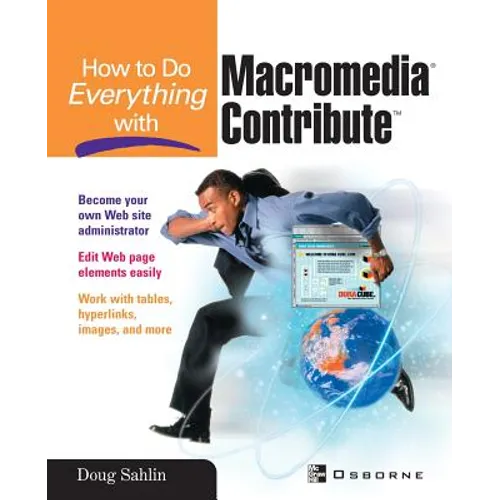
How to Do Everything with Macromedia Contribute - Paperback

$30.00 USD
$30.00 USD
Sale Sold out
Shipping calculated at checkout.
In stock (100 units), ready to be shipped

Available Offers

Fastest Delivery Tomorrow With Vip DealOrder within 1 hr 8 mins.

Instant 10% Discount On HDFC Banks Credit/Debit Cards EMI and CreditCard

Secure checkout with
  • American Express
  • Apple Pay
  • Diners Club
  • Discover
  • Google Pay
  • Mastercard
  • PayPal
  • Shop Pay
  • Visa
  • Daily deals
  • Return policy
  • Payment method
  • Help center 24/7

Flight Range: Up to 1,000 meters (3,280 feet)

Maximum Speed: 45 kilometers per hour (28 miles per hour)

For all orders exceeding a value of 100USD shipping is offered for free.

Returns will be accepted for up to 10 days of Customer’s receipt or tracking number on unworn items. You, as a Customer, are obliged to inform us via email before you return the item.

Otherwise, standard shipping charges apply. Check out our delivery Terms & Conditions for more details.

View Product Details
Shopping cart
Product Product subtotal Quantity Price Product subtotal
How to Do Everything with Macromedia Contribute - Paperback
$30.00/ea
$0.00
$30.00/ea $0.00

Product Description

by Doug Sahlin (Conductor)

A step-by-step guide to using Contribute, which will provide readers with the knowledge they need to update websites, regardless of their prior experience with HTML.

Back Jacket

Update Web site content without knowing anything about HTML or Web page design! "How to Do Everything with Macromedia Contribute "will show you, step-by-step, how to edit text online, swap pictures and graphics, add links, and make all kinds of changes to Web pages without the time or expense of consulting a Web designer. Plus--work with tables and frames, and use scanners and digital cameras to provide new images. Ideal for anyone who works with Web sites in any capacity, this easy-to-follow guide explains how to use this convenient Web content-updating toolEdit content or create a new Web page Make quick fixes to virtually any Web page element, including text, images, and links Navigate to any page created using current Web design technology Use scanners and digital cameras as sources for Web site images Edit and publish professional-looking Web pages Create and edit tables Link text or images to electronic files, existing pages, or external Web sites Resize and reposition images Modify images using an external image editing application Define and administer site-wide settings and permissions Follow illustrations and screen shots designed for easy understanding


Number of Pages: 404
Dimensions: 0.95 x 9.2 x 7.37 IN
Illustrated: Yes
Publication Date: February 24, 2003
you might like