Skip to content
Welcome To Our Store.
100,000+ Products for Home, Medical, Office & Classroom Needs
Search
Skip to product information
1 of 1

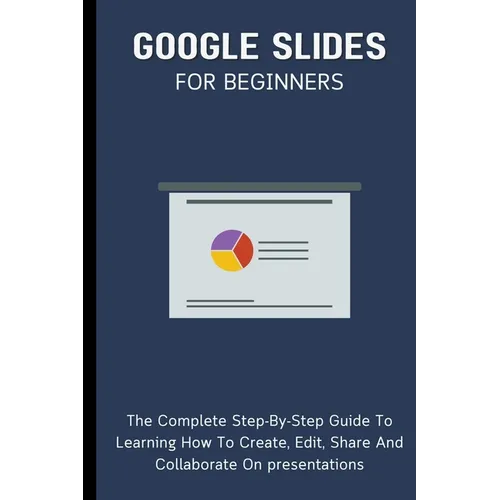
Google Slides For Beginners: The Complete Step-By-Step Guide To Learning How To Create, Edit, Share And Collaborate On Presentations - Paperback

$43.18 USD
$43.18 USD
Sale Sold out
Shipping calculated at checkout.
In stock (100 units), ready to be shipped

Available Offers

Fastest Delivery Tomorrow With Vip DealOrder within 1 hr 8 mins.

Instant 10% Discount On HDFC Banks Credit/Debit Cards EMI and CreditCard

Secure checkout with
  • American Express
  • Apple Pay
  • Diners Club
  • Discover
  • Google Pay
  • Mastercard
  • PayPal
  • Shop Pay
  • Visa
  • Daily deals
  • Return policy
  • Payment method
  • Help center 24/7

Flight Range: Up to 1,000 meters (3,280 feet)

Maximum Speed: 45 kilometers per hour (28 miles per hour)

For all orders exceeding a value of 100USD shipping is offered for free.

Returns will be accepted for up to 10 days of Customer’s receipt or tracking number on unworn items. You, as a Customer, are obliged to inform us via email before you return the item.

Otherwise, standard shipping charges apply. Check out our delivery Terms & Conditions for more details.

View Product Details
Shopping cart
Product Product subtotal Quantity Price Product subtotal
Google Slides For Beginners: The Complete Step-By-Step Guide To Learning How To Create, Edit, Share And Collaborate On Presentations - Paperback
$43.18/ea
$0.00
$43.18/ea $0.00

Product Description

by Voltaire Lumiere (Author)

Google Slides For Beginners: The Complete Step-By-Step Guide To Learning How To Create, Edit, Share And Collaborate On Presentations

A program for creating presentations, Google Slides is a part of Google's free online Docs suite.

Google Slides is accessible via the web, as an iOS and Android mobile app, and as a desktop program running on Google ChromeOS.

File formats for Microsoft PowerPoint can be opened with the app.

With the app, users can work together in real-time on creating and editing files while they're online.

A user who has a revision history showing changes keeps track of edits.

A permissions system controls what users can do, and an editor-specific color and cursor are used to highlight the editor's position.

Machine learning-based features like "Explore" and "tasks to other users" have been added via updates.

In this book, we'll walk you through how to use Google Slides like a pro to facilitate collaboration and team work.


Number of Pages: 102
Dimensions: 0.21 x 9 x 6 IN
Publication Date: November 27, 2023
you might like