Skip to content
Save 5% on your next order with code PREMIUM5!
100,000+ Products for Home, Medical, Office & Classroom Needs
Search
Skip to product information
1 of 2

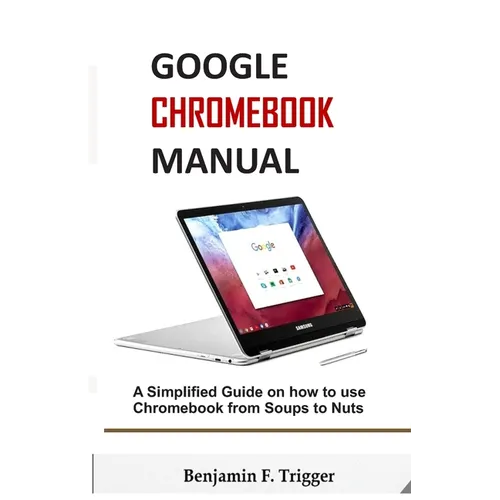
Google Chromebook Manual: A Simplified Guide on How to use Chromebook from Soups to Nuts - Paperback

$12.06 USD
$12.06 USD
Sale Sold out
Shipping calculated at checkout.
In stock (100 units), ready to be shipped

Available Offers

Fast delivery available on most orders

Multiple secure payment options accepted

Secure checkout with
  • American Express
  • Apple Pay
  • Diners Club
  • Discover
  • Google Pay
  • Mastercard
  • PayPal
  • Shop Pay
  • Visa

Flight Range: Up to 1,000 meters (3,280 feet)

Maximum Speed: 45 kilometers per hour (28 miles per hour)

For all orders exceeding a value of 100USD shipping is offered for free.

Returns will be accepted for up to 10 days of Customer’s receipt or tracking number on unworn items. You, as a Customer, are obliged to inform us via email before you return the item.

Otherwise, standard shipping charges apply. Check out our delivery Terms & Conditions for more details.

View Product Details
Shopping cart
Product Product subtotal Quantity Price Product subtotal
Google Chromebook Manual: A Simplified Guide on How to use Chromebook from Soups to Nuts - Paperback
$12.06/ea
$0.00
$12.06/ea $0.00

Product Description

by Benjamin F. Trigger (Author)

Benjamin Trigger dishes this up-to-date Chromebook guide in a Beginner-friendly manner.

Google's ChromeBook has been around for a good number of years now, but it has mostly taken a backseat to the company's stable of Android devices. With the recent release of the next generation of ChromeBooks, Google is finally giving this new computing platform the attention it deserves, and it will grow by leaps and bounds in the years to come. This book provides you with all you really need to optimize ChromeBook.

You'll be guided through:

(1) Setting up ChromeBook
(2) Exploring ChromeBook tips and tricks
(3) optimizing ChromeBook games and apps
(4) troubleshooting for ChromeBook and lots more.

Buy this guide now with a single click.
Number of Pages: 58
Dimensions: 0.14 x 8.5 x 5.51 IN
Publication Date: September 13, 2019
you might like