


Product Description
by Tutorial Books (Author)
Learn FreeCAD with Easy-to-Follow Tutorials
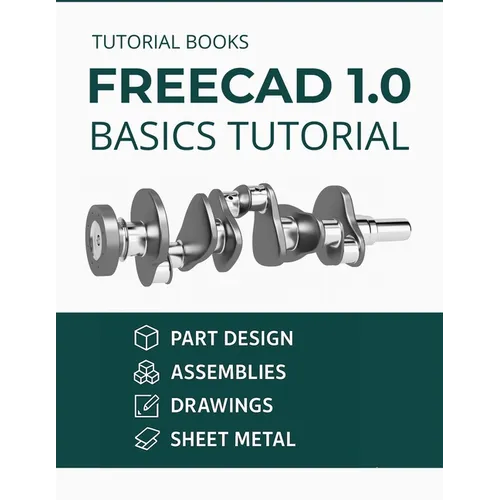
Discover the essentials of 3D design with FreeCAD 1.0 Basics Tutorial, a structured guide crafted for beginners. This book simplifies complex CAD concepts into clear, step-by-step lessons, helping you master FreeCAD's tools for modeling, assembly, sketching, and technical drawings.
Start by installing FreeCAD on Windows or MacOS, then explore its user-friendly interface and workbenches. Progress through hands-on tutorials to build parts, apply constraints, and create assemblies with joints. Learn advanced techniques like patterning, threading, and shelling, and tackle real-world projects such as sheet metal modeling and CAM operations. Each chapter builds practical skills, from sketching basic shapes to generating detailed engineering drawings with dimensions and annotations.
What sets this book apart:
- Project-based learning: Practice with 15+ tutorials, including creating 3D parts, helical sweeps, and flat patterns.
- Cross-platform support: Clear instructions for both Windows and MacOS users.
- Comprehensive coverage: Dive into sheet metal design, CAM workflows, and 2D drawing creation.
Whether you're a student, hobbyist, or professional, this guide offers the foundation to confidently use FreeCAD for personal or professional projects.
Take the first step in mastering 3D design-add this essential resource to your toolkit today.
Perfect for: CAD beginners, DIY enthusiasts, engineers, and designers seeking a practical introduction to FreeCAD 1.0.