


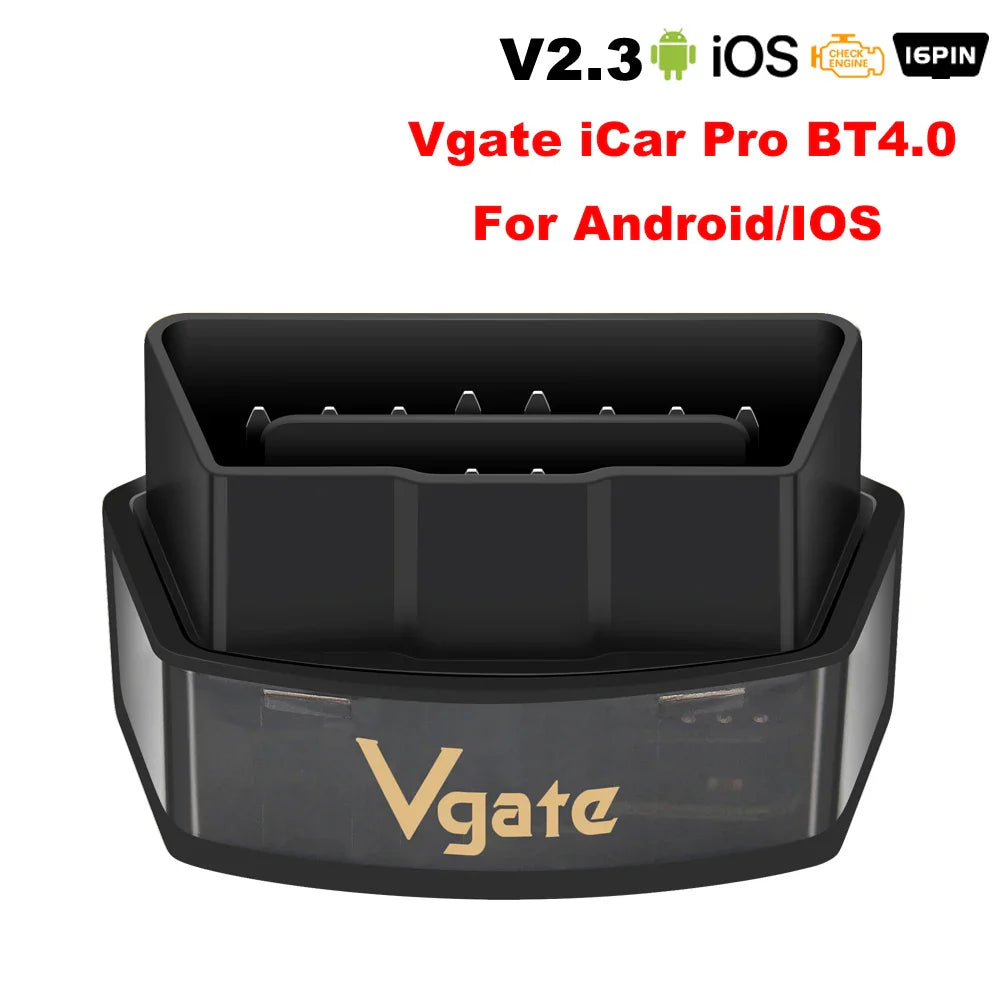
Product Description
Powerful, compact OBD-II adapter that connects via WiFi or Bluetooth 4.0 to iOS and Android devices. Read and clear engine codes, view live sensor data, and monitor vehicle performance using popular OBD apps for quick diagnostics and maintenance.
Specifications:
- Item Type: Code Readers & Scan Tools
- Communication Interface: Bluetooth 3.0 / Bluetooth 4.0 (BLE) / WiFi
- Supported Systems: iOS, Android
- Supported Protocols: SAE J1850 PWM, SAE J1850 VPW, ISO9141-2, ISO14230-4 KWP (5 baud & fast init), ISO15765-4 CAN (11/29 bit, 250/500 Kbaud), SAE J1939 CAN, USER1 CAN, USER2 CAN
- Supply Voltage: 11.5–15 V DC
- Supply Current: <200 mA
- Standby Current: <30 mA
- Operating Temperature: -40 °C to 85 °C (-40 °F to 185 °F)
- Operating Humidity: 5%–95% RH (non-condensing)
- Hardware Version: V2.3
- Connection Methods: Bluetooth 3.0, Bluetooth 4.0, WiFi
- Key Functions: Read and clear DTCs (generic & manufacturer-specific), live data streaming, engine RPM, coolant temperature, fuel system status, vehicle speed, short/long term fuel trim, intake manifold pressure, intake air temperature, airflow rate, throttle position, oxygen sensor voltages, fuel pressure and more
- Packing List: 1 × OBD-II Adapter, 1 × User Manual
Quick Setup & Tips:
- Install a compatible OBD app (popular option: Auto Doctor) from the App Store or Google Play.
- Start the vehicle engine and plug the adapter into the vehicle's OBD-II port.
- Open the app and connect to the adapter via WiFi or Bluetooth. (For some iOS apps, do not pair in iOS Bluetooth settings — connect within the app.)
- Once connected, refresh the app to begin live data and fault code reading. The adapter supports automatic start/sleep to conserve power.
#OBD2 #CarDiagnostics #Bluetooth #FanzyMarket