Product Description
by Liaw Hocksang (Author)
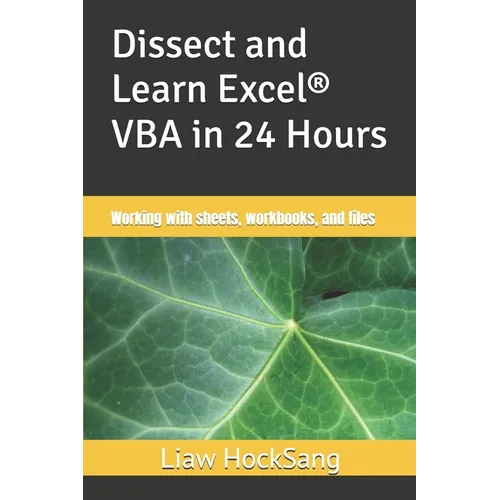
Dissect and Learn Excel VBA in 24 Hours is a series of quick references designed for intermediate users seeking ideas and sample VBA code to accomplish specific tasks while writing programs. Throughout this series, you'll find thousands of concise, functional VBA code snippets that demonstrate how to perform many simple yet meaningful tasks. These include adding a new workbook, auto-filling a range, sorting a data table, generating a table of contents for all chart sheets and worksheets in a workbook, looping through and manipulating a folder of Excel files, placing controls on the Ribbon, sending emails, and logging into an online account.
Book 3: Working with sheets, workbooks, and files focuses on commonly used operations on sheets, workbooks, and files. Copying a sheet, protecting a sheet, creating a table of contents for all sheets with hyperlinks, saving a copy of a workbook, self-deleting a workbook, protecting a workbook, accessing a password-forgotten VBA project, prompting users to select a folder, a file, or multiple files, writing and reading a text file, looping through a folder of files, and creating and deleting folders are some of the operations. This series is intended for readers with at least a basic understanding of Excel VBA programming. To follow the discussions effectively, readers should be familiar with Sub and Function procedures, the Visual Basic Editor (VBE), how to add VBA modules to a workbook, how to set references to application type libraries, how to enable the Auto List Members feature in the VBE, how to use Excel's Macro Recorder to discover methods and properties of unfamiliar objects, how to use the Object Browser to explore a complete list of an object's members, how to write simple procedures, where to store code within VBA modules, and how to use the debugging tools in the VBE. If you're new to Excel VBA, it's recommended that you learn the basics before diving into this series. You may refer to either my earlier book titled Learn Excel(R) VBA in 24 Hours or a future book titled Learn Excel VBA, each written specifically for newcomers. I hope this series serves as a quick reference to help you write an unlimited number of functional VBA programs. Let Excel VBA work for you.
Number of Pages: 134
Dimensions: 0.31 x 9 x 6 IN
Publication Date: September 01, 2018