


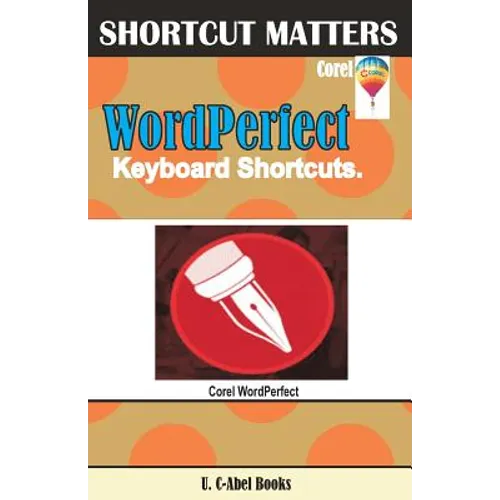
Product Description
by U. C. Books (Author)
In this step by step guide featuring keyboard shortcuts, U. C-Abel books took it upon themselves to provide WordPerfect users with tips, techniques, and countless keyboard shortcuts they would use to speed up their use of WordPerfect program. Create, modify, format, save, and print presentations, process words, and do more productive works that will attract appreciation from individuals around you.
A summarized list of the contents:
To stand out and be noticed, you have to go extra mile, and that in our own view is to master some of the keyboard shortcuts that will make you faster and more productive. The time to start is now.
Author Biography
U. C-Abel Books is a publishing house that uses Shortcut Matters series to help computer users benefit more from programs, operating systems, and apps they use through the provision of keyboard shortcuts, tips, and techniques related to those programs.
U. C-Abel Books has compiled and written books for Office Management (Microsoft Office, Google, Corel, Adobe etc.), Operating Systems (beginning from Windows 7 to later versions), Video Editing Programs (Premier Pro, Corel Video Studio, After Effect, etc.), Email Service Providers (Gmail, Apple Icloud mail, Yahoomail, GMX mail, Outlook, Zoho mail, Hushmail, Fastmail, Yandex mail, AOL mail, etc.), Internet Browsers (Safari, Firefox, Chrome, Opera, UC, Maxthon, Edge, Dolphin, Avant, Explorer, etc.), Graphics Editors (Photoshop, GIMP, Photo-Paint, Lightroom, CorelDraw, Corel Painter, Adobe Illustrator, and Corel PaintShop), Desktop Publishing packages (Serif Page Plus, Microsoft Publisher, Adobe Indesign, Scribus, etc.) Spreadsheet Operation (Microsoft Excel, Corel Quattro Pro, Google Sheet, etc.) Database Management (Oracle RDMS, My SQL, Ms. Access, etc.), Presentation Programs (Microsoft PowerPoint, Corel Presentation, Google Presentation, etc.) Word Processors (Microsoft Word, Corel WordPerfect, Google Docs, Open Office Writer, etc.) Accounting Packages (Quick Book, Sage, Microsoft Dynamics, etc.), plus many others.
The aim of Shortcut Matters is to narrow the gap between computer users and their keyboard.