


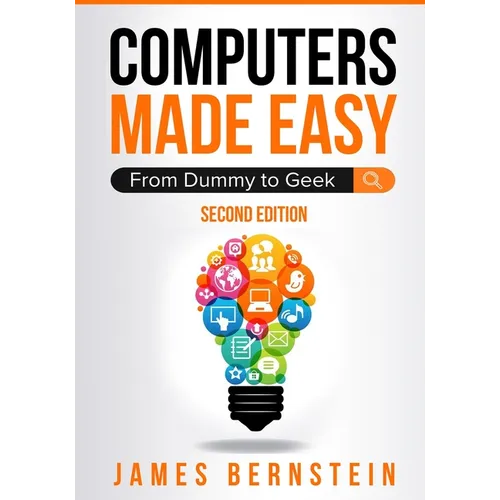
Product Description
by Bernstein James (Author)
A Foundation in Computers & Software That's Easy to Understand
Computers Made Easy is designed to take your overall computer skills from a beginner to the next level. Get a top level understanding without a complex education. This easy to use guide will help you navigate your way to becoming proficient with computers, operating systems, hardware and software.
Introduction
Chapter 1 - What is a Computer?
Chapter 2 - Computer Peripherals
Chapter 3 - Microsoft Windows
Chapter 4 - Software
Chapter 5 - Printers
Chapter 6 - The Internet
Chapter 7 - Email
Chapter 8 - Office Productivity Software
Chapter 9 - Antivirus and Antispyware Software
Chapter 10 - Avoiding Scams
Chapter 11 - Error Messages, Crashes, & Troubleshooting
Chapter 12 - Wi-Fi and Internet Troubleshooting
Chapter 13 - Backup and Protection
Chapter 14 - Security
Chapter 15 - Cloud Storage
Chapter 16 - Basic Networking
What's Next?
About the Author
James Bernstein has been working with various companies in the IT field since 2000, managing technologies such as SAN and NAS storage, VMware, backups, Windows Servers, Active Directory, DNS, DHCP, Networking, Microsoft Office, Exchange, and more.
He has obtained certifications from Microsoft, VMware, CompTIA, ShoreTel, and SNIA, and continues to strive to learn new technologies to further his knowledge on a variety of subjects.
He is also the founder of the website OnlineComputerTips.com, which offers its readers valuable information on topics such as Windows, networking, hardware, software, and troubleshooting. James writes much of the content himself and adds new content on a regular basis. The site was started in 2005 and is still going strong today.