PRODUCT DESCRIPTION
SPECIFICATIONS
Application: Desktop,Laptop,Number,Tablet
Battery Included: Yes
Brand Name: kebidumei
Certification: CE
Choice: yes
Feature 1: wireless keyboard
Feature 2: keyboard wirelesss
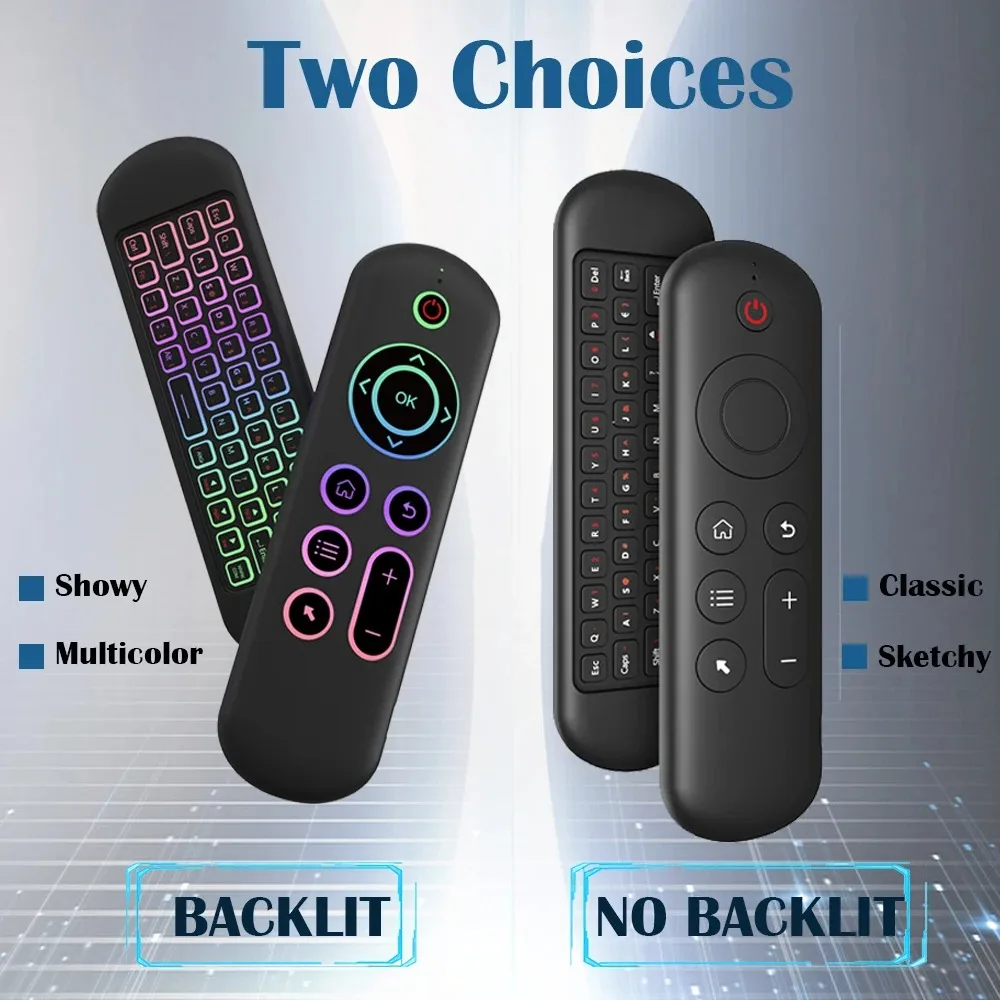
Feature 3: Backlit keyboard
Feature 4: mini keyboard
Feature 5: Wireless Keyboard
Feature 7: 2.4G Keyboard
Feature 8: Laptop Keyboard
Full Size keyboard: Yes
High-concerned chemical: None
Interface Type: Bluetooth / USB
Keyboard Standard: Mini Keyboard
Keycup material: Abs plastic
Language: English
Operation Style: Capacitive
Origin: Mainland China
Package: No
Product Name: mini keyboard/Bluetooth keyboard/Wireless keyboard/Wireless
Style: Standard,Gaming,Mini,For Laptop
Switches Hot swap: no
Type: Bluetooth Wireless
Use: TV,Computer,Universal,Projectors
Wrist Support: No
semi_Choice: yes
M5 Specification:
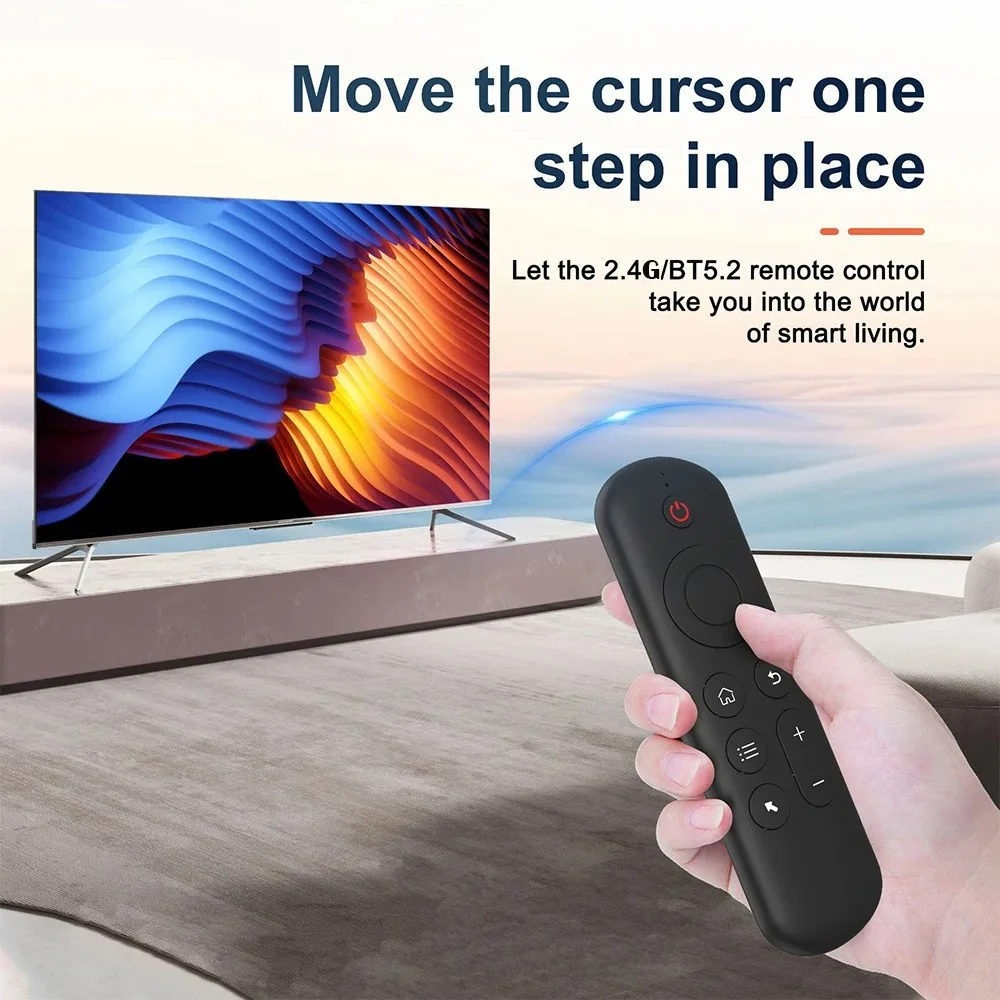
Remote control distance: about 10 m
Charging port: Micro USB
Overall dimension: 155* 45* 9 mm
Net weight of product: 58 g
Wireless modulation mode: GFSK
Modulation frequency: 2.4 ~ 2.4835 ghz
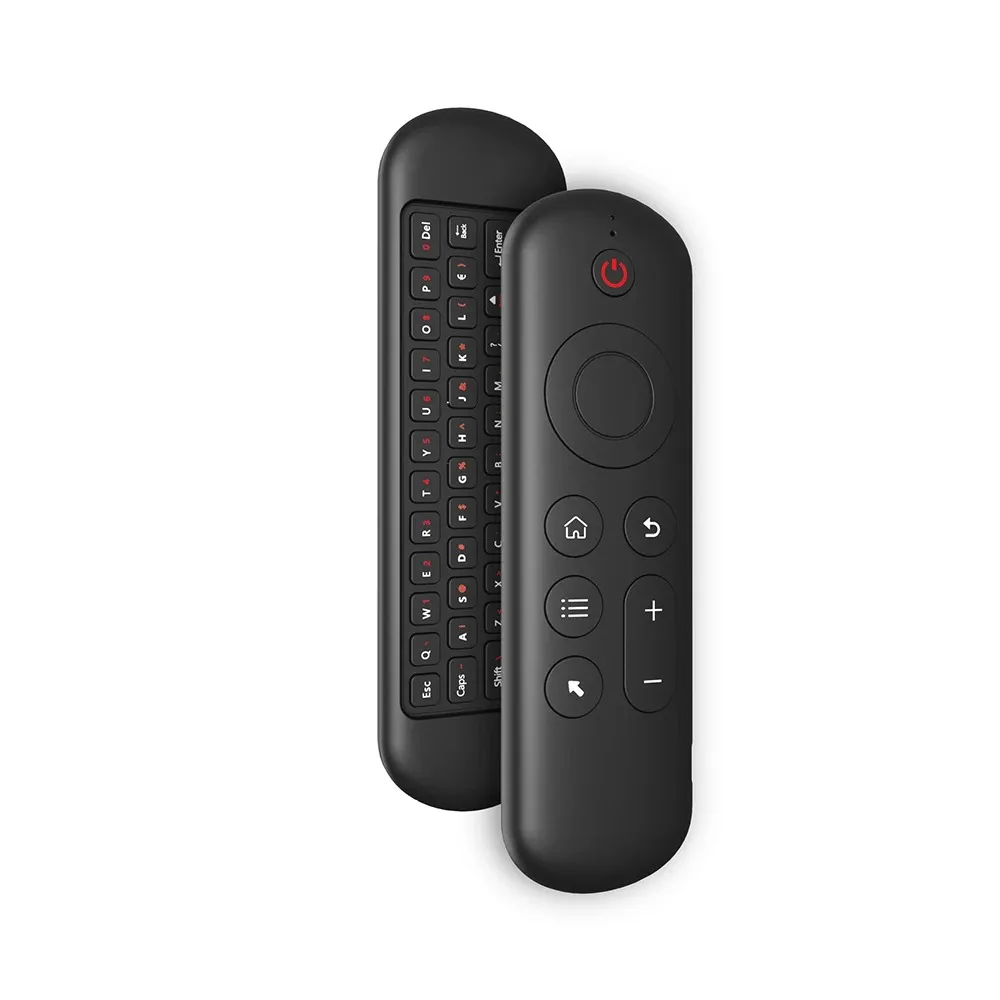
Number of keys: 58
Support system: for Android / Windows / Mac OS /Linux
2.4G MODE
1.For initial use , plug a USB receiver into the USB port of device and wait for 20-60 seconds to install driver of USB receiver . Move the mouse the mouse cursor can move on the screen means that pairing is successful;
2.if it is unsuccessful , press and hold [ OK and [ BACK ] buttons , LED light begin to flash . Pairing is successful when LED light stop flashing.
BT 5.2 MODE
1 . Before using this device , first you must turn on the BT function of the lain device;
2 . Then long press ; OK + Return keys , when the LED turns to flash quickly, the product enters the pre pairing;
3 , Click add search new devices on the main device to find this air remotes name ( Example : BT-REMOTE ) . Click the name can to connecting;
4 . After the product is successfully connected , the direction of the mouse pointer can be controlled by waving in the air;
5 .If the connection is not successful , please perform the operation steps of item 2-4 again;
6 . Reconnect efficiency description : The normal reconnect time of this product is 3-5 seconds after it is normally paired with the main equipment;
7 . This product can only remember the pairing information of one main device , when the product is connected to a new device , the connection of historical devices is not supported after.