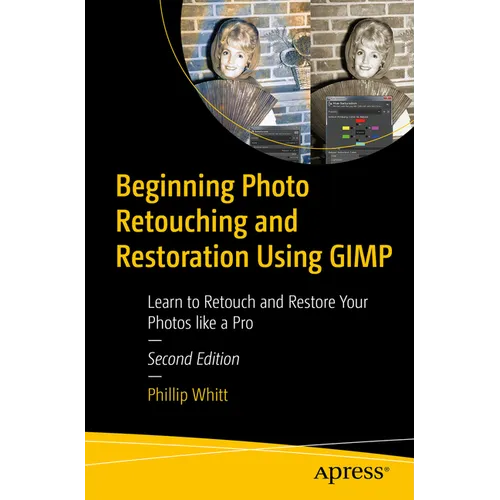
Product Description
by Phillip Whitt (Author)
Digitally repair damaged prints, correct color shifts, and even colorize black and white images. This thoroughly revised book will show you how to retouch and restore photos using the most up-to-date version of GIMP and it's latest tools and features.
Basic knowledge of GIMP is helpful, but the first chapter provides an overview of the free, open source image editing program. You'll then see how GIMP is a worthy alternative to Adobe Photoshop. You'll also work with step-by-step tutorials to duplicate the results using the same practice images used in the lessons. Because it is cross-platform friendly you can turn "unfixable" photos into digital art on Windows, macOS, and Linux enhancing your learning experience.
Beginning Photo Retouching and Restoration Using GIMP provides insight into the powerful program's wide set of features for just about any type of retouching or restoration work.
What You'll Learn
- Acquire the best scans and digitize large photographs
- Adjust contrast and exposure to make dull images "pop"
- Remove cracks, creases, tears, and blemishes
- Retouch portraits and replace backgrounds
- Preserve your newly restored and printed photographs, and properly store originals
Anyone interested in retouching or restoring photos, whether they are family archivists genealogists, photographers, designers, or students―particularly those requiring a powerful program, but don't want or need to use Adobe's subscription-based service to access Photoshop.
Back Jacket
Digitally repair damaged prints, correct color shifts, and even colorize black and white images. This thoroughly revised book will show you how to retouch and restore photos using the most up-to-date version of GIMP and it's latest tools and features.
Basic knowledge of GIMP is helpful, but the first chapter provides an overview of the free, open source image editing program. You'll then see how GIMP is a worthy alternative to Adobe Photoshop. You'll also work with step-by-step tutorials to duplicate the results using the same practice images used in the lessons. Because it is cross-platform friendly you can turn "unfixable" photos into digital art on Windows, macOS, and Linux enhancing your learning experience.
Beginning Photo Retouching and Restoration Using GIMP provides insight into the powerful program's wide set of features for just about any type of retouching or restoration work.
You will:
- Acquire the best scans and digitizelarge photographs
- Adjust contrast and exposure to make dull images "pop"
- Remove cracks, creases, tears, and blemishes
- Retouch portraits and replace backgrounds
- Preserve your newly restored and printed photographs, and properly store originals
Author Biography
Phillip Whitt is an author, photo retouch professional and graphic designer. He is the author of several Apress books and video tutorials pertaining to image editing. He has edited, retouched, and restored countless digital images since the late 1990s. Mr. Whitt has served both clients from the general public and a number of commercial clients over the years. In addition to over 20 years of image editing and graphic design experience. In addition to writing and working with images, Phillip continues to learn. In recent years, he's earned an Expert Rating Certification in Adobe Photoshop Skills, as well as VTC certifications in GIMP and Scribus.