


Product Description
by Ascent - Center for Technical Knowledge (Author)
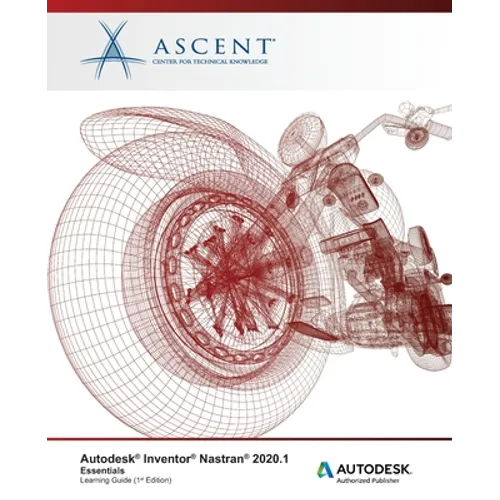
The Autodesk(R) Inventor(R) Nastran(R) 2021.1: Essentials learning guide instructs you in the use of the Autodesk(R) Inventor(R) Nastran(R) software. This learning guide was written using the 2021.1.0.407 build of the software. The software is a finite element analysis (FEA) tool that is embedded directly in the Autodesk(R) Inventor(R) software as an Add-In. It is powered by the Autodesk Nastran solver and offers simulation capabilities specifically tailored for designers and analysts as a tool for predicting the physical behavior of parts or assemblies under various boundary conditions. Through a hands-on, practice-intensive curriculum, students acquire the knowledge required to work in the Autodesk Inventor Nastran environment to setup and conduct FEA analyzes on part and assembly models.
Topics Covered
- Activate and navigate the Autodesk Inventor Nastran environment to conduct FEA analyzes.
- Create, edit, and assign idealizations and materials (linear, nonlinear, and composites).
- Manage the creation, setup, and modification of analyses and subcases that are used to analyze both static and dynamic models. Specific analyses types that are covered in this learning guide include: Linear Static, Nonlinear Static, Nonlinear Transient Response, Normal Modes, Direct Frequency Response, Modal Frequency Response, Direct Transient Response, Modal Transient Response, Random Response and Shock/Response Spectrum.
- Create constraints with the required degrees of freedom and assign them to entities.
- Create loads that accurately represent the magnitude and location of the loads the model will experience in the working environment.
- Create Connector elements to simulate how a physical connector such as a rod, cable, spring, rigid body, or bolt will affect the model.
- Create Surface Contact elements to define contact between interacting components.
- Assign global and local mesh settings.
- Run an Autodesk Inventor Nastran analysis.
- Review and create result plots for analyzing the results.
Prerequisites
- This learning guide assumes that you have Finite Element Analysis (FEA) knowledge, can interpret results, and in general, knows how a model should be setup for an analysis.
- This learning guide was written using the 2021.1.0.407 build of the software. The user-interface and workflow may vary if older or newer versions of the software are being used.