


Product Description
by Ascent -. Center for Technical Knowledge (Author)
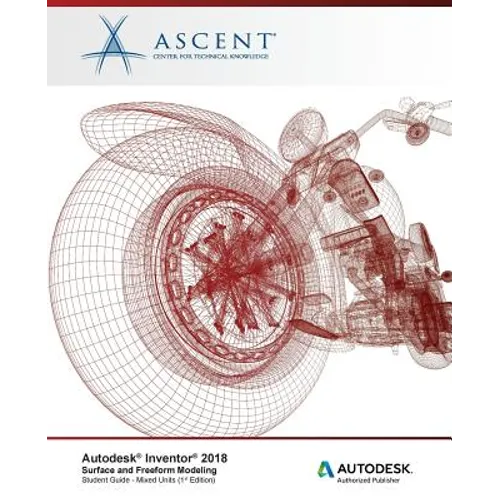
The Autodesk(R) Inventor(R) 2018: Surface and Freeform Modeling student guide teaches you how to incorporate surfacing and freeform modeling techniques into your design environment.
You begin with instruction on how to create the splines and 3D sketches commonly used in surface creation. Chapters on surface creation focus on using these sketches or existing geometry to create surfaces for use in your solid models. Freeform modeling is also covered, which enables you to create complex shapes without needing the constraints required in a parametric workflow.
To complete the student guide, you will learn how to use the Autodesk Inventor surface analysis tools to evaluate the continuity between surfaces and the curvature on a surface, determine if the applied draft is within a specified range, and conduct section analysis to evaluate wall thickness values.
The topics covered in this student guide are also covered in ASCENT's Autodesk(R) Inventor(R) 2018: Advanced Part Modeling student guide, which includes a broader range of advanced learning topics.
Topics Covered
- Create spline and 3D sketched entities.
- Create planar and three-dimensional surfaces.
- Combine individual surface features into a single quilted surface.
- Add or remove material in a model by referencing a surface.
- Create solid geometry using surface geometry.
- Remove portions of a surface using a reference surface or work plane.
- Manipulate the extent of a surface by extending or stretching it.
- Create a new solid face by replacing an existing solid face with surface geometry.
- Remove existing surfaces or solid faces from a model.
- Copy surfaces from one model into another.
- Create freeform geometry base shapes, faces, and converted geometry.
- Edit freeform base geometry by manipulating existing geometry or adding new elements to the base shape.
- Use the surface analysis tools to evaluate continuity between surfaces, check draft values, analyze curvature on a surface, and review sectioned areas of the model.
Prerequisites
The material covered in this student guide assumes a mastery of Autodesk Inventor basics as taught in the Autodesk Inventor: Introduction to Solid Modeling student guide.
Author Biography
ASCENT develops and produces a wide range of courseware offerings, knowledge products, and courseware for the industry's leading engineering software tools from Autodesk, Dassault Systèmes, and PTC. ASCENT's team is comprised of courseware developers, engineers, instructional designers, architects, and technical writers who work together to create training solutions that work for our clients. Our curriculum group specializes in the creation of blended education programs that incorporate the best of expert-led and technology-based training offerings to create the most effective course content and ensure that users achieve maximum productivity from their chosen engineering tools. We also work to meet our client's needs by offering different levels of customization for classroom-training curriculum.