Skip to content
Welcome To Our Store.
100,000+ Products for Home, Medical, Office & Classroom Needs
Search
Skip to product information
1 of 1

AutoCAD P&ID 2014 Tutorial - Paperback

$39.49 USD
$39.49 USD
Sale Sold out
Shipping calculated at checkout.
In stock (100 units), ready to be shipped

Available Offers

Fastest Delivery Tomorrow With Vip DealOrder within 1 hr 8 mins.

Instant 10% Discount On HDFC Banks Credit/Debit Cards EMI and CreditCard

Secure checkout with
  • American Express
  • Apple Pay
  • Diners Club
  • Discover
  • Google Pay
  • Mastercard
  • PayPal
  • Shop Pay
  • Visa
  • Daily deals
  • Return policy
  • Payment method
  • Help center 24/7

Flight Range: Up to 1,000 meters (3,280 feet)

Maximum Speed: 45 kilometers per hour (28 miles per hour)

For all orders exceeding a value of 100USD shipping is offered for free.

Returns will be accepted for up to 10 days of Customer’s receipt or tracking number on unworn items. You, as a Customer, are obliged to inform us via email before you return the item.

Otherwise, standard shipping charges apply. Check out our delivery Terms & Conditions for more details.

View Product Details
Shopping cart
Product Product subtotal Quantity Price Product subtotal
AutoCAD P&ID 2014 Tutorial - Paperback
$39.49/ea
$0.00
$39.49/ea $0.00

Product Description

by Online Instructor (Author)

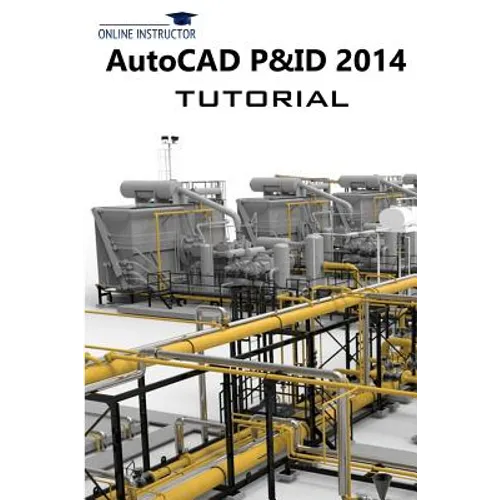
This book is written for students and engineers who are interested to learn AutoCAD P&ID 2014 for creating Piping and Instrumentation Diagrams (P&ID's). This book provides a step-by-step approach for learning AutoCAD P&ID 2014. The topics include Creating a basic P&ID, Connecting P&ID's, Editing the drawing, Creating custom symbols, Managing Project Data, Generating reports, and Adding and defining new classes.

Tutorial 1 takes you through the creation of your first Piping and Instrumentation diagram. You create a simple P&ID.

Tutorial 2 teaches you to create a symbol and convert it into a P&ID object. It also explains how to connect P&ID's in a project using off-page connectors.

Tutorial 3 teaches you to manage the project data using the Data Manager. You will also learn to export and import the data related to a plant project.

Tutorial 4: In this tutorial, you will learn to edit a P&ID using various options available in AutoCAD P&ID.

Tutorial 5: In this tutorial, you will add a new class and assign a symbol to it.

Tutorial 6: In this tutorial, you will generate reports using AutoCAD Plant Report Creator.

Number of Pages: 132
Dimensions: 0.28 x 9 x 6 IN
Publication Date: May 05, 2013
you might like