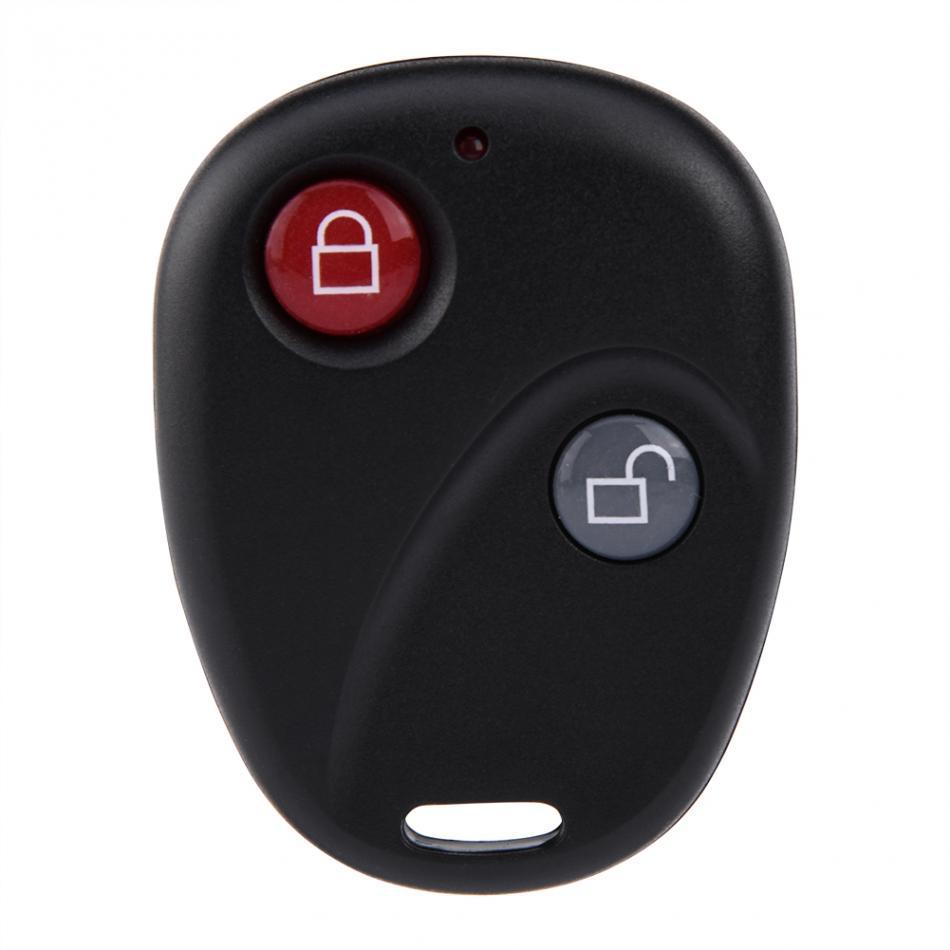
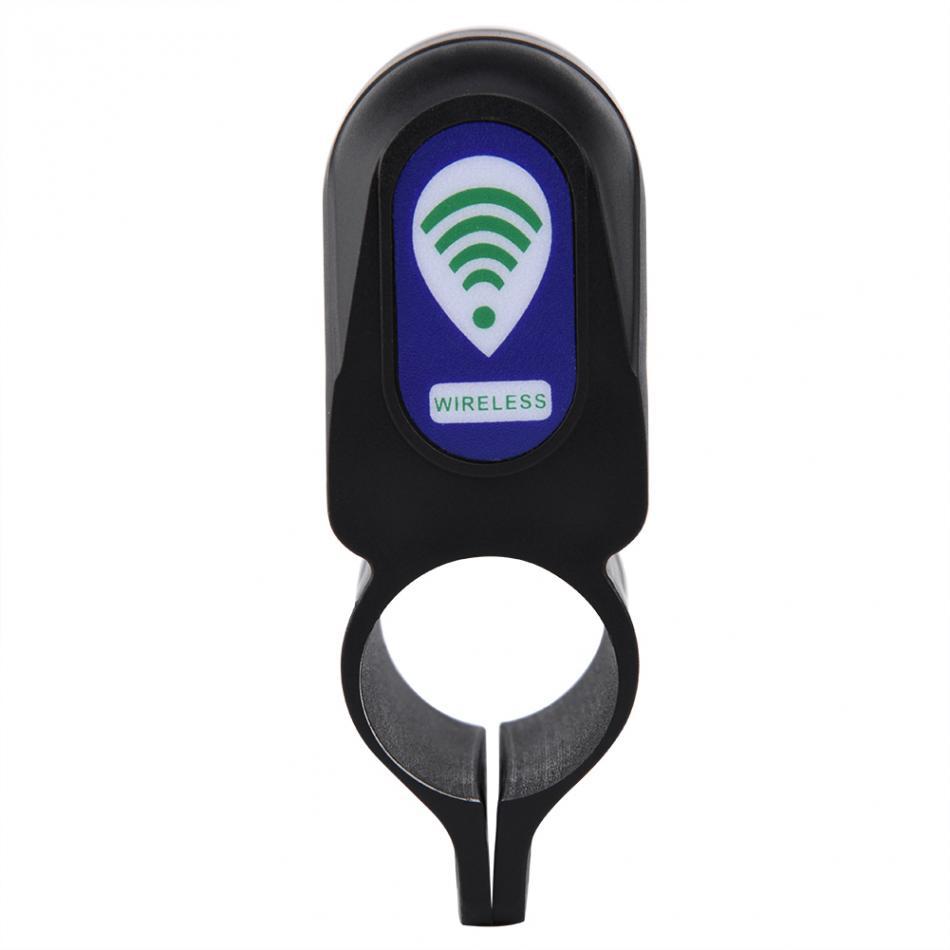
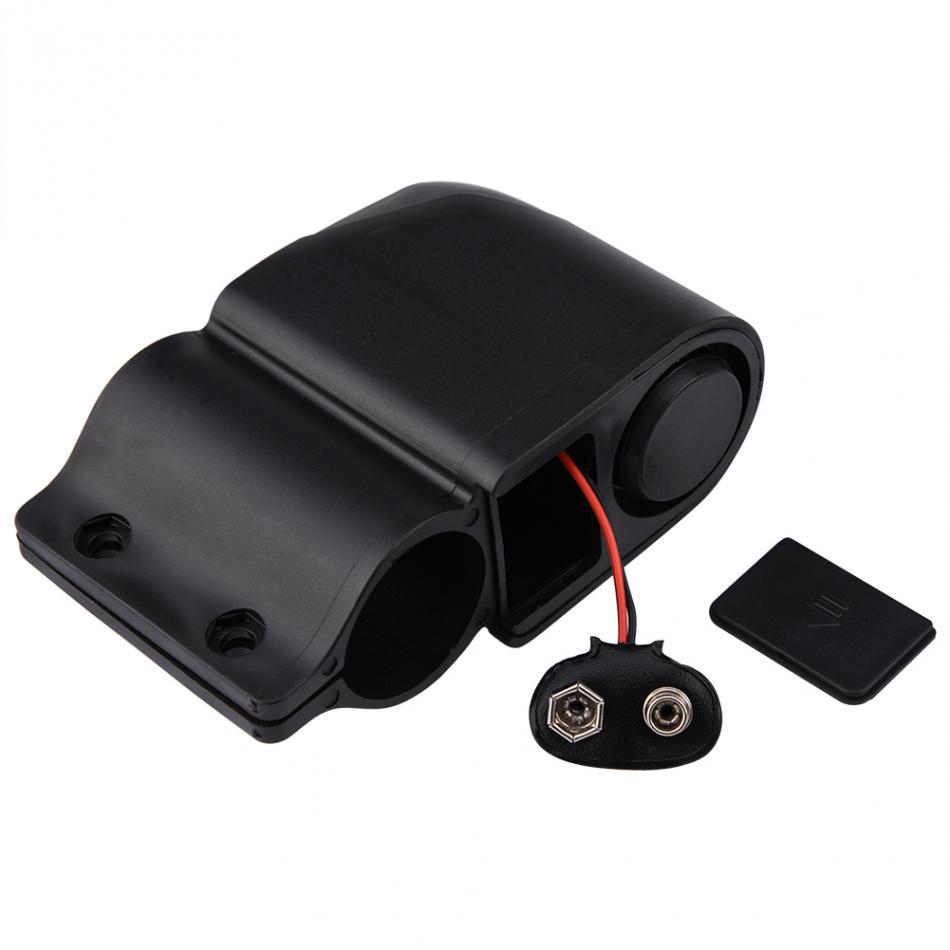
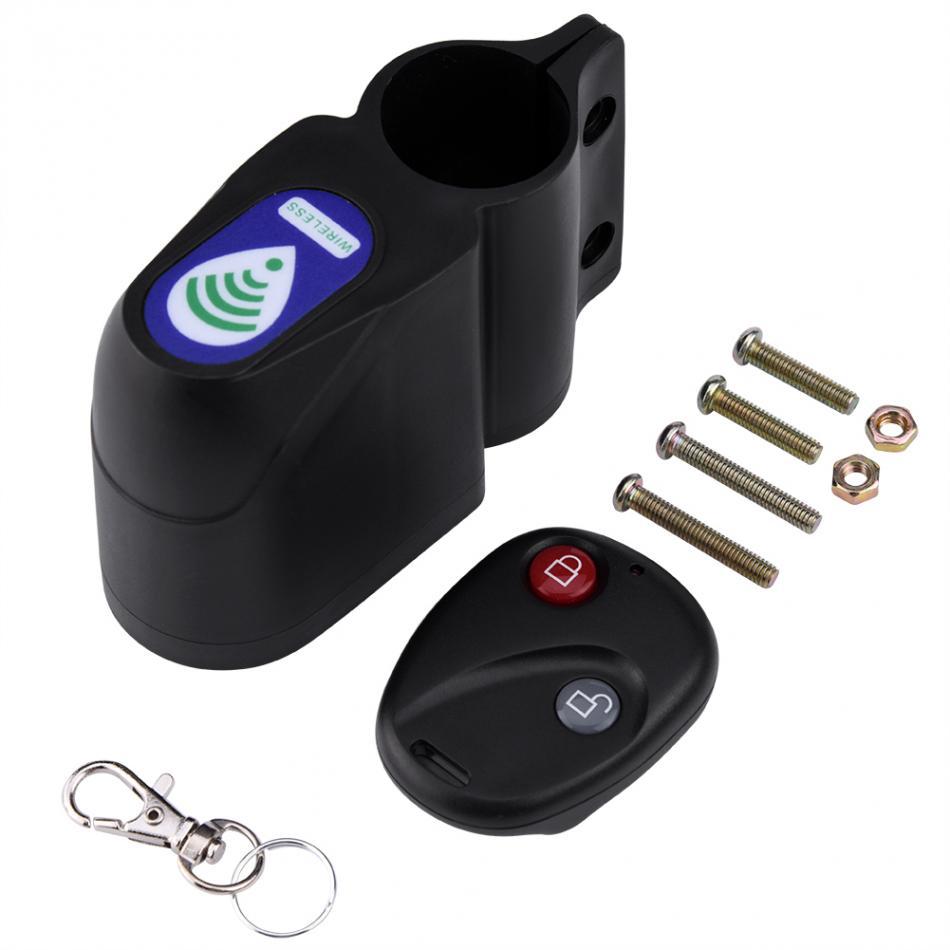
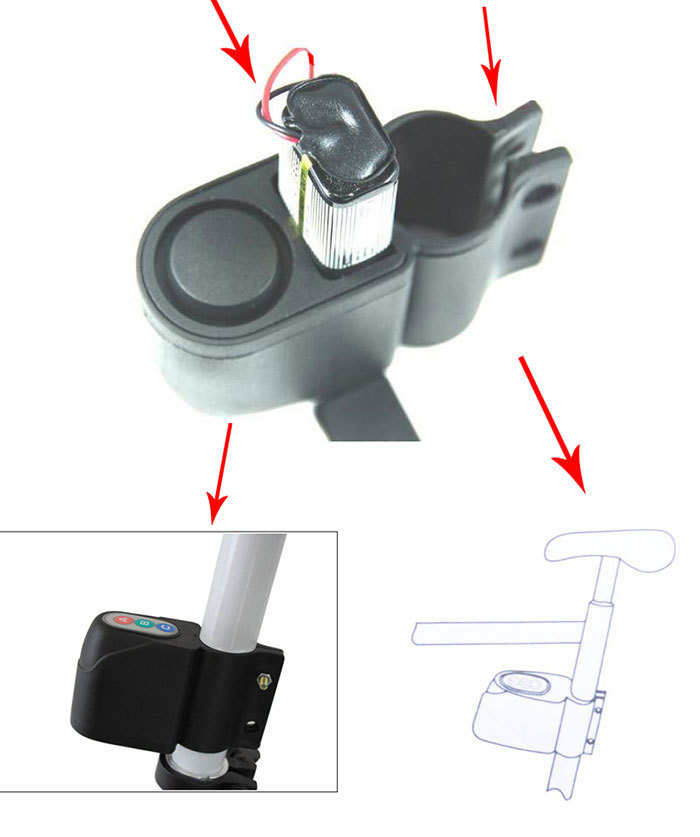
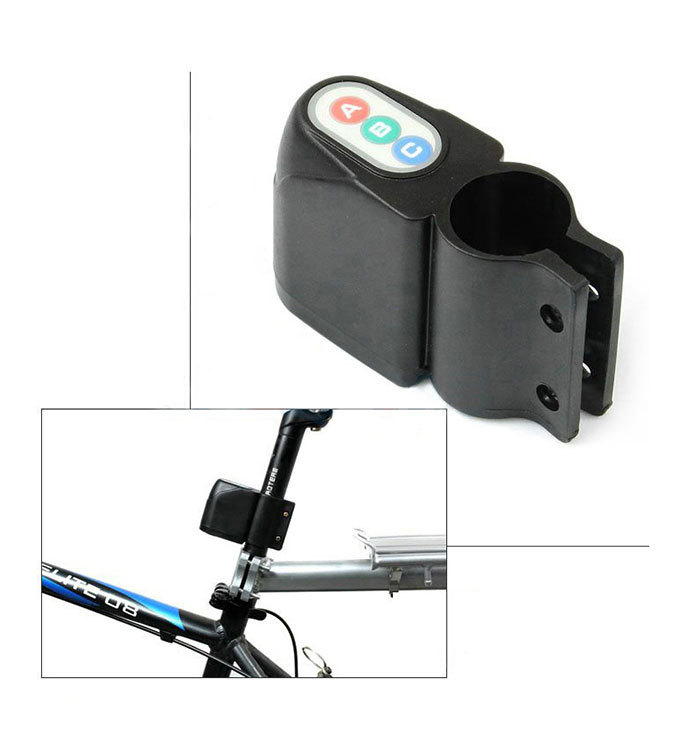
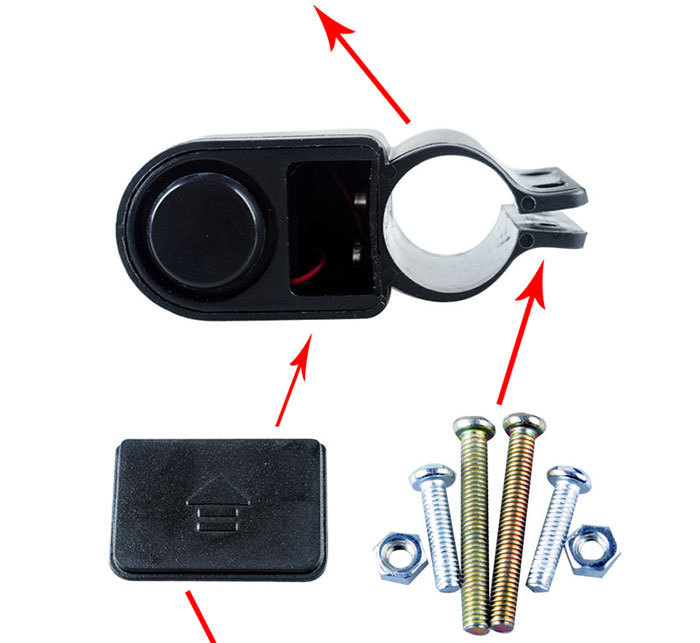
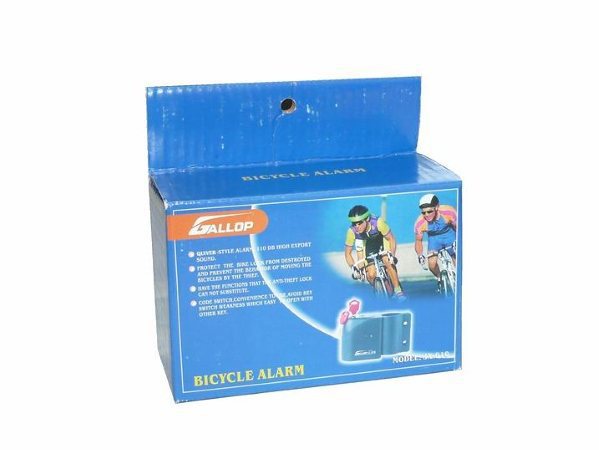
Product Description
Power supply: 6F229V battery section: Operating current: < 100mA: Sound: > 105db Operating temperature:-15 C ~ 75 C Storage temperature:-40C ~ 85 ° C Ambient humidity: 5% ~ 98%
1. Password setting and change: The default password set by the product at the factory is: "ABCA". In the non-defense state, the user can press Change your password to your password by pressing the A key for about 3 seconds and hearing a "drip" input If the old password is correct, you will hear the three prompts of "Drip Drip". When you enter it correctly, you need to Start entering four new passwords within 5 seconds. If the modification is successful, you will hear three prompts of "Drip Drip" If you enter the old password incorrectly or modify the new password unsuccessfully, you will exit the password modification state with a long sound. At this time, you need to do the above operation again: If you take out the battery for about 30 seconds, the system will automatically restore the factory default password: "ABCA" 2. Sensitivity adjustment: The sensitivity set by the factory is mid-range. Press the C key for a long time to hear "drop" in the non-defense state One prompt setting is sensitive to "high", and then press the C key for a long time to hear the two prompt settings of "Didi" Sensitivity is "medium". Press the C key for a long time again and hear the three prompts of "drip drip". Set the sensitivity to "Low" Continuing to press the C key will cycle the above setting operation: 3. Deployment: Hold down the B key for about 3 seconds, hear a prompt of "drip", enter the defense state, and start the alarm after 5 seconds Caution: 4. Release the deployment: Enter the correct four-digit password in the deployment state to release the deployment. At this time, you can hear "drop" If the password is wrong, it will sound one. Sound prompt input error: 5. In any state, the password system that enters the wrong password four times in a row will lock the keyboard. At this time, any operation will be invalid and automatically unlock after 3 minutes; 6. When the burglar alarm feels vibration in the protection state, it will give a short alarm for 5 times. If it is vibrated again within 5 seconds, it will give an alarm sound continuously for 15 seconds