Skip to content
Welcome To Our Store.
100,000+ Products for Home, Medical, Office & Classroom Needs
Search
Skip to product information
1 of 1

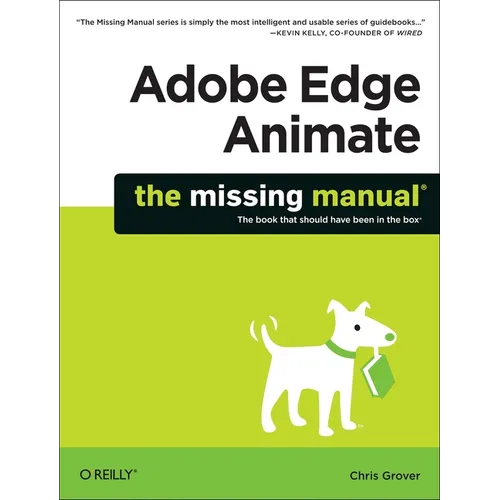
Adobe Edge Animate: The Missing Manual - Paperback

$34.99 USD
$34.99 USD
Sale Sold out
Shipping calculated at checkout.
In stock (100 units), ready to be shipped

Available Offers

Fastest Delivery Tomorrow With Vip DealOrder within 1 hr 8 mins.

Instant 10% Discount On HDFC Banks Credit/Debit Cards EMI and CreditCard

Secure checkout with
  • American Express
  • Apple Pay
  • Diners Club
  • Discover
  • Google Pay
  • Mastercard
  • PayPal
  • Shop Pay
  • Visa
  • Daily deals
  • Return policy
  • Payment method
  • Help center 24/7

Flight Range: Up to 1,000 meters (3,280 feet)

Maximum Speed: 45 kilometers per hour (28 miles per hour)

For all orders exceeding a value of 100USD shipping is offered for free.

Returns will be accepted for up to 10 days of Customer’s receipt or tracking number on unworn items. You, as a Customer, are obliged to inform us via email before you return the item.

Otherwise, standard shipping charges apply. Check out our delivery Terms & Conditions for more details.

View Product Details
Shopping cart
Product Product subtotal Quantity Price Product subtotal
Adobe Edge Animate: The Missing Manual - Paperback
$34.99/ea
$0.00
$34.99/ea $0.00

Product Description

by Chris Grover (Author)

Want to create animated graphics for iPhone, iPad, and the Web, using familiar Adobe features? You've come to the right book. Adobe Edge Animate: The Missing Manual shows you how to build HTML5 graphics with Adobe visual tools. No programming experience? No problem. Adobe Edge Animate writes all of the code for you. With this book, you'll be designing great-looking web elements in no time. (Note: This book does not cover Adobe Edge Animate CC and later versions.)

The important stuff you need to know:

  • Jump into animation. Master Animate's elements, properties, and timeline panels.
  • Create and import graphics. Make drawings with Animate's tools, or use art you've created in other programs.
  • Work with text. Build menus, label buttons, provide instructions, and perform other tasks.
  • Make it interactive. Use triggers and actions to give users control over their web experience.
  • Dig into JavaScript. Customize your projects by tweaking your code.
  • Look great at any size. Publish responsive web pages that adjust to any display, tablet, or smartphone.
Number of Pages: 302
Dimensions: 0.66 x 9.06 x 7.04 IN
Illustrated: Yes
Publication Date: December 18, 2012
you might like