Product Description
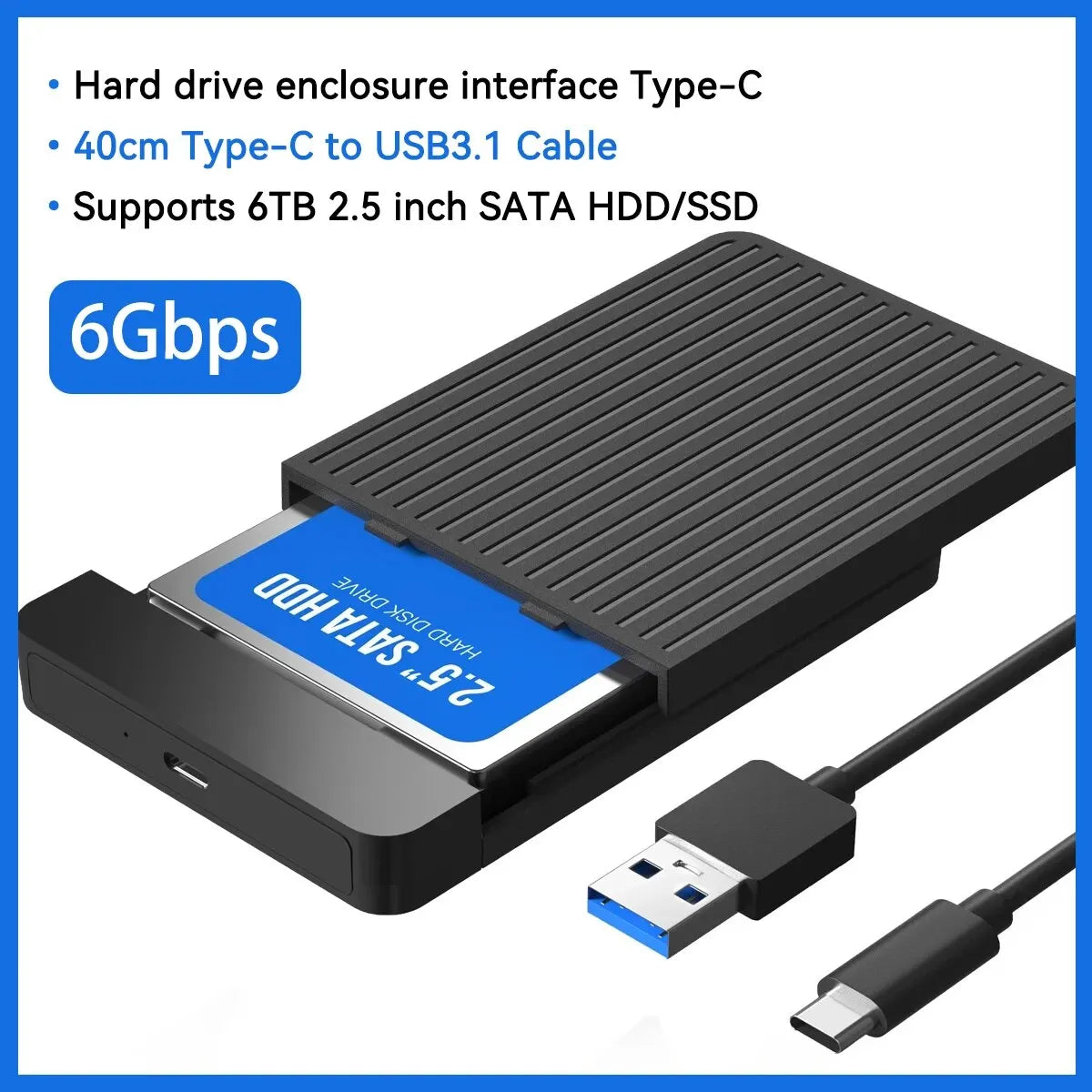
Reliable compact storage: A slim 2.5-inch SATA to USB 3.1/3.0 enclosure designed for HDDs and SSDs — offers up to 6 Gbps transfer speeds, tool-free installation, hot-swap plug-and-play and USB-C connectivity for fast external storage upgrades.
Specifications:
- Drive Size Supported: 2.5-inch (7mm / 9.5mm)
- Maximum Capacity: Up to 6 TB
- Internal Interface: SATA (2.5" drives)
- External Interface: USB 3.1 / USB 3.0 (USB-C or USB-A depending on cable)
- Transfer Speed: Up to 6 Gbps (theoretical), backward compatible with USB 2.0/1.1
- Case Material: ABS plastic
- Tool-Free Installation: Yes — hot-swap, plug-and-play, LED indicator, no additional drivers required
- Compatibility: Windows (98/SE/ME/2000/XP/Vista/7/8/10 and later) and Mac OS (8.6 and later)
- Product Size: 122 x 81 x 14 mm / 4.8 x 3.18 x 0.55 inches
- Package Includes: 1 x 2.5" HDD/SSD enclosure (drive not included), 1 x Micro-B to USB 3.0 cable or 1 x USB-C to USB-A cable (based on selected option), 1 x user manual
- Note: SSD/HDD not included. Choose the appropriate cable for USB 3.1 to achieve higher transfer speeds; actual speed depends on host device and drive performance.
Features & Benefits:
- Slim, portable design ideal for laptops and desktop backups.
- Tool-free setup makes drive swaps quick and easy.
- USB-C support for modern devices while remaining compatible with USB-A ports.
- LED status indicator for connection and activity monitoring.
- Supports large-capacity drives up to 6 TB for extensive storage needs.
Care & Usage Tips:
- Use the Safely Remove Hardware function before unplugging to protect data.
- Select the USB 3.1 cable and a compatible host port to maximize transfer speeds.
- If a newly installed drive doesn’t appear, initialize and format it via Disk Management (Windows) or Disk Utility (Mac).
Hashtags: #SSDEnclosure #USBTypeC #FanzyMarket
Safety Notes:
This device contains electronic components. Use only the supplied or certified USB cables and adapters. Do not expose the enclosure or connected drives to moisture or extreme heat. Disconnect power and unplug before installing or removing drives. Do not disassemble the enclosure; improper handling may damage components or void warranties. Always back up important data before handling drives.