


Product Description
by Tim Hill (Author)
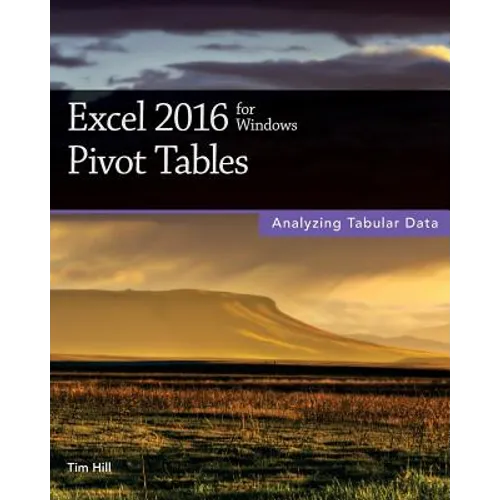
The jargon associated with Microsoft Excel's pivot tables ("n-dimensional cross tabulations") makes them look complex, but they're really no more than an easy way to build concise, flexible summaries of long lists of raw values. If you're working with hundreds (or hundreds of thousands) of rows, then pivot tables are the best way to look at the same information in different ways, summarize data on the fly, and spot trends and relationships. This handy guide teaches you how to use Excel's most powerful feature to crunch large amounts of data, without having to write new formulas, copy and paste cells, or reorganize rows and columns. You can download the sample workbook to follow along with the author's examples.
- Create pivot tables from worksheet databases.
- Rearrange pivot tables by dragging, swapping, and nesting fields.
- Customize pivot tables with styles, layouts, totals, and subtotals.
- Combine numbers, dates, times, or text values into custom groups.
- Calculate common statistics or create custom formulas.
- Filter data that you don't want to see.
- Create and customize pivot charts.
- Unlink a pivot table from its source data.
- Control references to pivot table cells.
- Plenty of tips, tricks, and timesavers.
- Fully cross-referenced and indexed.
Contents
1. Pivot Table Basics
2. Nesting Fields
3. Grouping Items
4. Calculations and Custom Formulas
5. Filtering Data
6. Charting Pivot Tables
7. Tricks with Pivot Tables
About the Author
Tim Hill is a data scientist living in Boulder, Colorado. He holds degrees in mathematics and statistics from Stanford University and the University of Colorado. When he's not crunching numbers, Tim climbs rocks, hikes canyons, and avoids malls.


